
 Updated on
 By Rob Marquez
Table of Contents

Small businesses don't need a giant enterprise contact center to sound professional. They need call center solutions for small business that help teams answer faster, route smarter, follow up consistently, and keep every customer conversation tied to revenue.
Finding the right call center solutions for small business ensures you never miss a lead while maintaining a professional image that rivals enterprise competitors.
Key Takeaways
- Best Pick by Use Case: For companies prioritizing sales automation and CRM integration, Ringy CRM stands out, while RingCentral remains the titan for pure reliability. If your focus is on an inbound call center for small business needs, Zendesk offers the best ticketing synergy. Selecting a tool depends entirely on whether your primary goal is high-volume outbound prospecting or high-touch inbound support.
- Pricing Context and ROI: Expect to pay between $15 and $75 per user monthly for small business call center solutions. While entry-level tiers are tempting, they often gatekeep essential features like call recording or CRM syncing. Investing an extra $10 per seat usually pays for itself by reducing manual data entry and improving agent oversight through real-time analytics dashboards.
- Timeline and Implementation: Modern cloud-based setups can be live in as little as 24 to 48 hours, though complex IVR (Interactive Voice Response) routing may take a week to refine. Most providers offer porting services to keep your existing numbers, but this process can take 7 to 14 days, depending on your previous carrier's responsiveness and regulatory requirements.
- High-Value Buyer Criteria: Buyers must prioritize mobile app stability and browser-based interfaces to support remote or hybrid teams. A solution that requires proprietary hardware is often a bottleneck for small businesses; instead, look for "Bring Your Own Device" (BYOD) friendly platforms that offer encrypted, high-definition voice quality over standard internet connections.
How We Evaluated the 12 Best Call Center Solutions for Small Business

To find the most effective call center solutions for small businesses, we analyzed over 40 platforms, excluding those with enterprise-only pricing or hardware requirements that exceed a modest budget. Our research involved a deep dive into Clutch, G2, and Capterra reviews to verify long-term reliability and hands-on testing of mobile interface latency.
We specifically looked for "Value-to-Feature" ratios, ensuring that even the most affordable tiers provided professional-grade routing and security.
|
Tool |
Best For |
Key Features |
Starting Price |
Third-Party Rating |
Pros |
Cons |
Free Trial |
|
Sales-focused small business call center solution |
CRM, VoIP softphone, click-to-call, SMS/email automation, call recording, lead routing |
4.3/5 (Capterra) |
Combines CRM and calling; strong for lead follow-up |
Less ideal for complex omnichannel support |
Yes |
||
|
Outbound sales and call productivity |
Predictive dialer, IVR, call recording, analytics, integrations |
$25/user/month |
4.6/5 (Capterra) |
Great dialer tools; productivity-focused |
Free trial not always available |
Not listed |
|
|
Omnichannel customer service |
Voice, email, chat, SMS, bots, routing, QA |
Custom |
4.5/5 (G2) |
Strong omnichannel depth |
Pricing less transparent |
Demo-based |
|
|
Scalable business communications |
Phone, messaging, video, contact center, AI, routing |
Custom for contact center |
8.9/10 (Business.com) |
Broad UCaaS + CCaaS ecosystem |
Add-ons can raise cost |
Demo-based |
|
|
Voice-first support and sales teams |
IVR, call recording, ACD, analytics, CRM integrations |
$19/user/month (annually) |
4.4/5 (GetApp) |
Easy for SMBs; strong voice workflows |
Advanced AI/add-ons cost more |
Yes |
|
|
Support teams needing ticketing + voice |
Ticketing, voice, AI, routing, knowledge base |
$50/agent/month |
4.5/5 (Capterra) |
Excellent help desk ecosystem |
Can get expensive for small teams |
Yes |
|
|
Reporting-heavy contact centers |
CCaaS, analytics, call recording, routing, dashboards |
Custom |
4.4/5 (G2) |
Strong analytics; good for phone-heavy teams |
Less widely known than major brands |
Demo-based |
|
|
AI-assisted customer support |
AI agents, human-in-the-loop support, automation |
Custom |
Limited public volume |
Useful for AI-first support operations |
Less transparent public pricing |
Demo-based |
|
|
Help desk + live chat + call center |
Tickets, live chat, call center, knowledge base, automation |
$15/agent/month |
4.5/5 (G2) |
Affordable all-in-one support |
Interface can feel dated |
Yes |
|
|
Salesforce-heavy contact centers |
Salesforce integration, routing, reporting, voice, CRM workflows |
Custom |
4.3/5 (Software Advice) |
Excellent CRM integrations |
Pricing can depend on add-ons |
Demo-based |
|
|
Low-cost cloud phone system |
Virtual numbers, shared inbox, call routing, integrations |
$ 15 per user per month |
4.5/5 (G2) |
Affordable and simple |
Not as deep as full CCaaS tools |
Yes |
|
|
Simple small business phone setup |
VoIP, virtual receptionist, call queues, mobile app |
$19.95/user/month |
4.5/5 (Business.com) |
Easy setup; no contracts |
Limited advanced contact center depth |
No |
Ringy CRM — Best for Sales-Focused Small Business Call Center Solutions
Overview
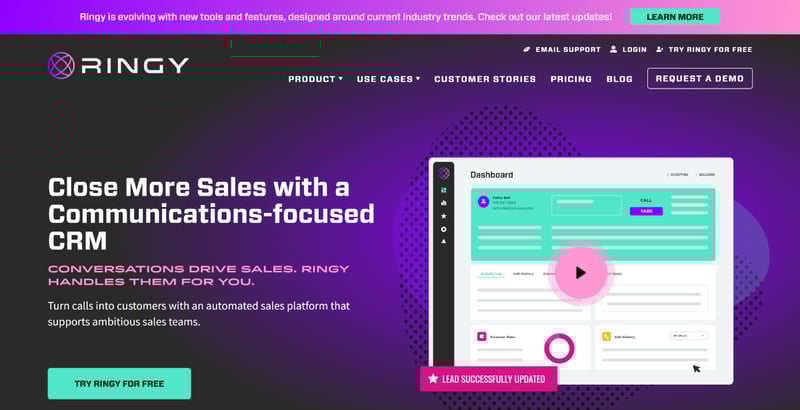
Ringy CRM is a strong fit for small businesses that need calling, lead management, automation, and pipeline visibility in one system. It includes a cloud VoIP softphone, click-to-call dialing, call recording, local caller ID, SMS, email drip automation, reports, lead distribution, and sales pipeline tools.
Unlike standalone phone systems, Ringy keeps every conversation attached to the customer record. That makes it easier for reps to follow up, prioritize leads, and avoid missed opportunities.
Best for
- Sales teams that need a CRM and call center system in one platform.
- Small businesses that rely on fast lead response, call tracking, and follow-up automation.
- Teams that want inbound calls, outbound calls, SMS, email, and pipeline management without stitching together multiple tools.
Honest Limitations
Ringy is best for sales-led teams, not large customer service departments that need deep omnichannel case management across chat, social, email, and complex workforce management. Businesses that already use a mature help desk like Zendesk may not need Ringy's CRM-first structure.
When to Choose Ringy
Choose Ringy if you want call center solutions for small business that connect directly to revenue. It is especially useful when your team needs to call leads quickly, automate follow-ups, track every touchpoint, and manage deals from one dashboard instead of juggling a separate CRM, dialer, SMS tool, and spreadsheet.
Squaretalk — Best for Outbound Sales Calling
Overview
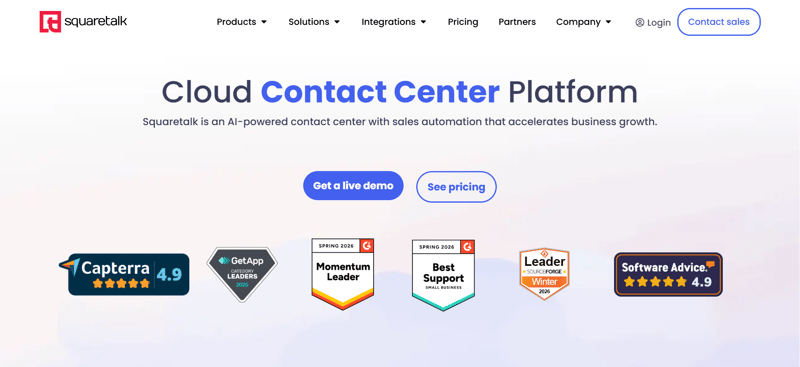
Squaretalk is a cloud contact center platform built for teams that need stronger calling productivity, especially outbound sales, telemarketing, and inside sales. It offers call recording, call center management, dialer tools, reporting, and integrations that help agents work through call lists faster. Its pricing starts at $25/user/month according to Capterra. Squaretalk is especially useful for teams that care about agent efficiency, campaign performance, and structured call operations.
Best for
- Teams that need outbound call campaigns with structured dialing workflows.
- Small businesses that want call recording, reporting, and call center management.
- Sales teams that need a productivity-focused calling platform instead of a full CRM.
Honest Limitations
Squaretalk is useful for calling operations, but it may not replace a full sales CRM for teams that need deeper pipeline management, automated nurturing, and lead tracking. Some users also note that the interface could offer more customization.
When to Choose Squaretalk
Choose Squaretalk if your biggest problem is outbound call volume. It is a better fit when your team already has a CRM and mainly needs a reliable calling layer with dialer functionality, reporting, and call management.
Bright Pattern — Best for Omnichannel Customer Support
Overview
Bright Pattern is an omnichannel contact center platform built for businesses that need to manage voice, chat, email, SMS, bots, and customer interactions from one place. It is more robust than a basic phone system and is better suited for support teams with multiple service channels. Users often praise its ease of use, customer support, flexibility, and scalability. Bright Pattern can work well for small businesses that are growing into more complex support operations.
Best for
- Support teams that need voice, chat, email, and SMS in one platform.
- Businesses that want advanced routing and omnichannel customer history.
- Growing teams that need stronger customer service workflows than a basic phone system.
Honest Limitations
Bright Pattern may be more platform than a very small team needs if all you want is basic inbound call routing. Pricing is also less transparent than simpler small-business tools, so teams may need a sales conversation before understanding the total cost.
When to Choose Bright Pattern
Choose Bright Pattern if you need an inbound call center for small business that also supports digital channels. It makes the most sense when your team has moved beyond “answer the phone” and now needs consistent service across every customer touchpoint.
RingCentral — Best for Scalable Business Communications
Overview
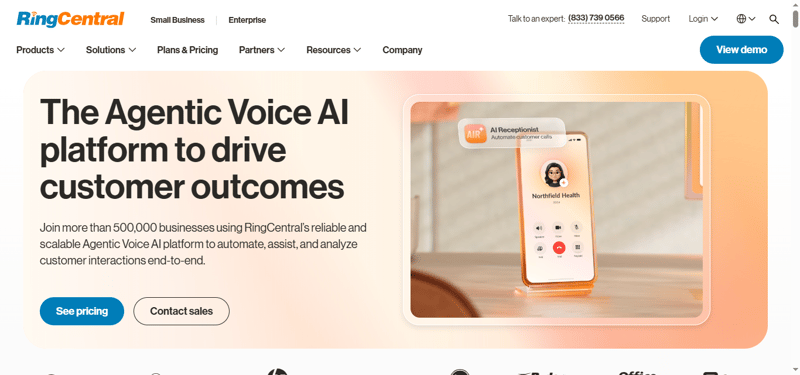
RingCentral is a well-known communications platform with phone, messaging, video, AI, and contact center capabilities. It is a strong fit for small businesses that want to start with business phone features and scale into more advanced routing, analytics, and omnichannel support. RingCentral's broader ecosystem makes it useful for hybrid teams that need internal communication and external customer engagement in one environment. It is especially appealing for teams planning to grow beyond a basic call center setup.
Best for
- Small businesses that want phone, messaging, video, and contact center features.
- Teams that expect to scale into more advanced routing and analytics.
- Businesses that want a widely adopted platform with broad integrations.
Honest Limitations
RingCentral can become expensive as teams add advanced contact center features, AI, analytics, and integrations. It may also feel heavier than necessary for very small businesses that only need basic call routing and voicemail.
When to Choose RingCentral
Choose RingCentral if you want one communications platform that can grow with your business. It is a strong option when your team needs both internal collaboration and customer-facing call center features.
CloudTalk — Best for Voice-First Support Teams
Overview
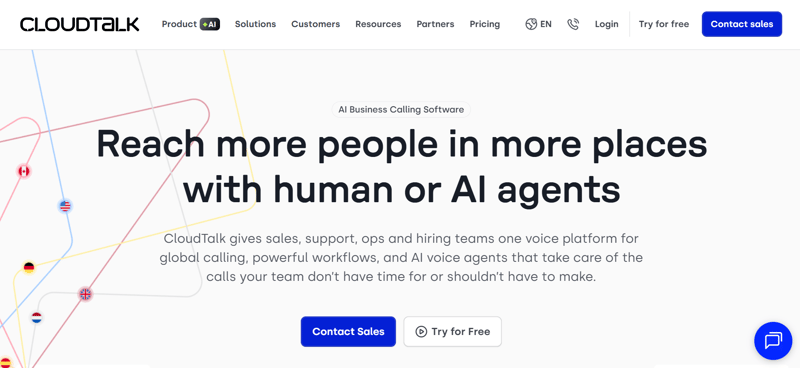
CloudTalk is a cloud call center platform designed for sales and support teams that rely heavily on voice. It offers IVR, automated call distribution, call recording, analytics, custom fields, contact tagging, and CRM integrations. GetApp lists CloudTalk at 4.4/5 from 268 reviews, with strong scores for ease of use and customer support. It is a practical option for small businesses that need more than a phone system but less than an enterprise contact center.
Best for
- Voice-first sales and support teams.
- Small businesses that need IVR, call recording, and CRM integrations.
- Teams that want better call visibility without adopting a complex enterprise platform.
Honest Limitations
Some advanced capabilities, including AI conversation intelligence and certain add-ons, may increase the monthly cost. CloudTalk is strongest for voice workflows, so teams that need heavy ticketing or full omnichannel support may prefer Zendesk, Bright Pattern, or RingCentral.
When to Choose CloudTalk
Choose CloudTalk if calls are your primary customer channel and you need a clean, scalable way to manage routing, recordings, and performance metrics.
Zendesk — Best for Support Teams Already Using Ticketing
Overview
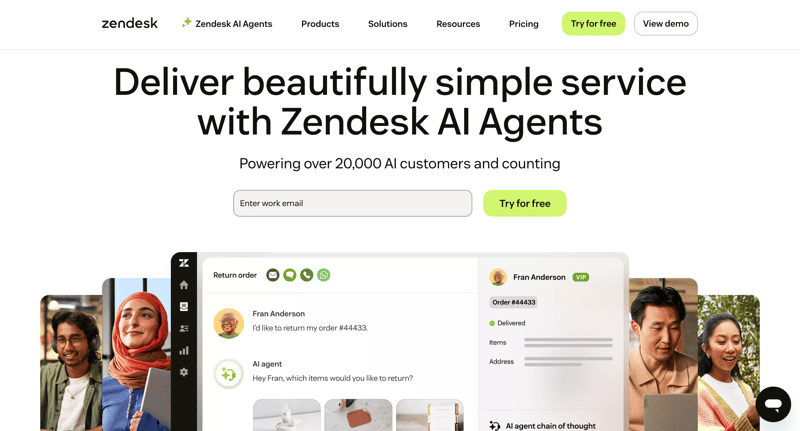
Zendesk is best known as a customer service and help desk platform, but it also offers contact center capabilities for teams that want voice tied directly to tickets, customer history, knowledge base content, and AI support. Zendesk Contact Center starts at $50 per agent/month, billed annually. It works especially well for small businesses that already use Zendesk for support and want to add call center functionality without moving customer data elsewhere.
Best for
- Support teams that already use Zendesk.
- Businesses that need ticketing, voice, chat, email, and knowledge base support.
- Teams that want customer conversations organized around support cases.
Honest Limitations
Zendesk can become expensive as businesses add AI, workforce management, quality assurance, and advanced data protection. Some small businesses may also find their pricing structure more complex than simpler call center solutions.
When to Choose Zendesk
Choose Zendesk if customer support, not sales calling, is your main priority. It is ideal when every call needs to become part of a broader support ticket, SLA, or help desk workflow.
Xima — Best for Reporting and Call Analytics
Overview
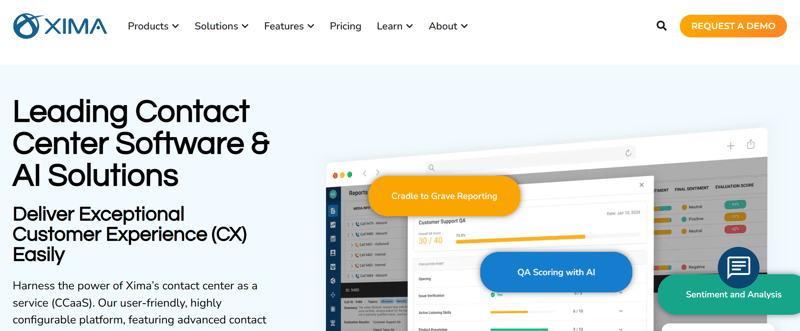
Xima is a CCaaS platform focused on contact center performance, reporting, and call visibility. It is built for teams that want stronger analytics across calls, agents, queues, and customer interactions. Xima can support voice, chat, email, SMS, and social media use cases depending on deployment. G2 reviewers highlight its reporting features and pricing value, which makes it appealing for small businesses that want enterprise-style analytics without unnecessary complexity.
Best for
- Teams that care deeply about call reporting and analytics.
- Phone-heavy support teams that need better visibility into queues and performance.
- Small businesses that want configurable contact center dashboards.
Honest Limitations
Xima may not have the same brand recognition or app ecosystem as RingCentral, Zendesk, or Vonage. Pricing is also typically quote-based, so teams need to confirm total costs before committing.
When to Choose Xima
Choose Xima if your team is outgrowing basic call logs and needs better reporting, queue visibility, and performance management.
Crescendo.ai — Best for AI-Assisted Customer Support
Overview
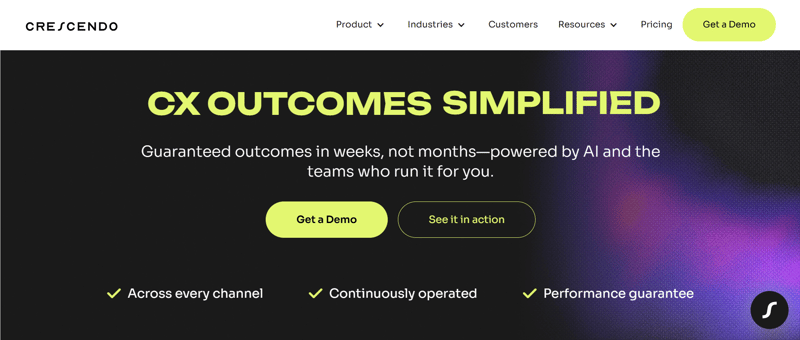
Crescendo.ai is built around AI-assisted customer support, combining automation with human-in-the-loop service. It is a better fit for teams that want to reduce repetitive support volume, automate common questions, and improve response speed without removing human escalation entirely. For small businesses, Crescendo.ai can be useful when support demand is growing faster than headcount. It is less of a traditional phone-first call center tool and more of an AI support layer.
Best for
- Teams that want AI support automation.
- Businesses with repetitive customer questions.
- Support teams that need human escalation alongside automation.
Honest Limitations
Crescendo.ai has less public pricing and fewer widely available third-party software reviews than more established call center platforms. Small businesses should request a demo and validate whether it supports their specific phone, ticketing, and escalation workflows.
When to Choose Crescendo.ai
Choose Crescendo.ai if your biggest challenge is support volume, not just call handling. It is best for teams that want AI to deflect routine requests while keeping humans available for complex customer issues.
LiveAgent — Best for Affordable Help Desk and Call Center Features
Overview
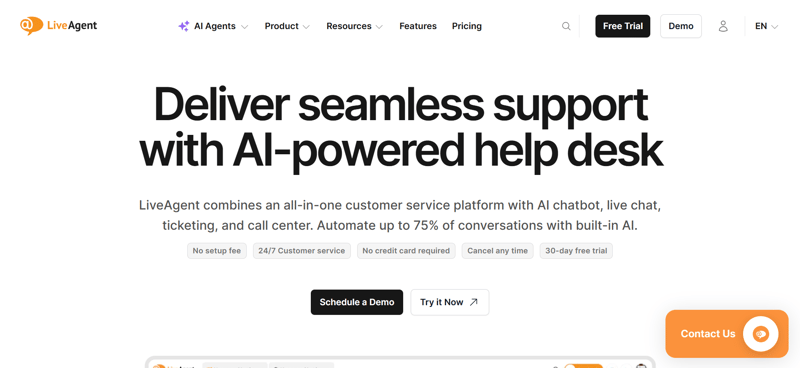
LiveAgent combines ticketing, live chat, knowledge base, social support, and call center functionality in one customer support platform. It is especially attractive for small businesses that want multichannel support without enterprise pricing. LiveAgent's pricing starts at $15/agent/month, while plans with call center support are higher depending on features. G2 lists more than 1,500 LiveAgent reviews, giving buyers a large pool of user feedback to evaluate.
Best for
- Small businesses that need help desk, chat, and call center tools.
- Teams that want affordable multichannel support.
- Businesses that need fast setup and a broad feature set.
Honest Limitations
LiveAgent can feel less modern than some newer tools, and some important channels or advanced features may require higher plans or add-ons. It is best for practical support operations rather than highly customized enterprise workflows.
When to Choose LiveAgent
Choose LiveAgent if you want an affordable all-in-one support platform with call center capabilities, live chat, ticketing, and knowledge base tools.
Vonage — Best for Salesforce-Centric Contact Centers
Overview
Vonage Contact Center is a strong option for businesses that rely heavily on Salesforce, ServiceNow, or Microsoft Dynamics. It is built to connect voice and contact center workflows directly into CRM environments, helping agents access customer data, route calls, and perform reports more effectively. Software Advice lists Vonage Contact Center with a 4.3 overall rating. It is best for small businesses that have mature CRM processes and need calling tightly connected to customer records.
Best for
- Teams that use Salesforce heavily.
- Businesses that need CRM-based routing and reporting.
- Sales and support teams that want customer context during every call.
Honest Limitations
Vonage pricing can vary depending on setup, integrations, and add-ons. It may not be the simplest option for very small teams that just need a basic business phone system.
When to Choose Vonage
Choose Vonage if your CRM is the center of your customer operation. It is strongest when calls, routing, reporting, and agent workflows need to live close to Salesforce or another major CRM.
KrispCall — Best for Simple Cloud Phone and Virtual Numbers
Overview
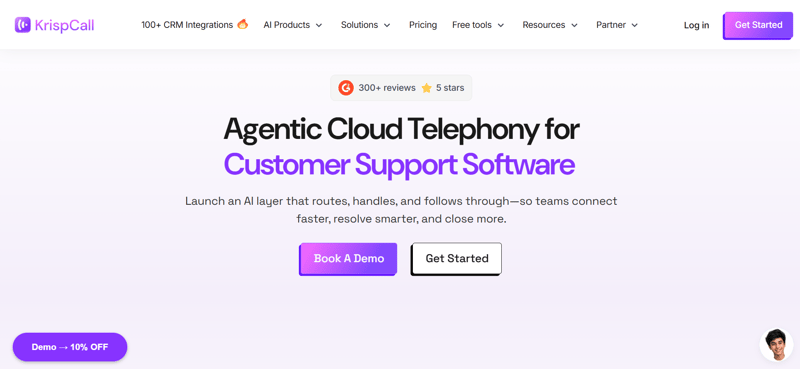
KrispCall is a cloud telephony platform for small businesses that need virtual numbers, shared call visibility, call routing, and basic call center features without adopting a complex contact center suite. It is useful for remote teams, startups, and businesses that want local or international numbers. G2 lists KrispCall at 4.5/5 from 351 reviews. It works best as a lightweight phone system with call center-style features rather than a full enterprise CCaaS platform.
Best for
- Startups and remote teams that need virtual numbers.
- Small businesses that want affordable cloud calling.
- Teams that need simple call routing and shared visibility.
Honest Limitations
KrispCall is not as deep as platforms like Zendesk, Bright Pattern, or RingCentral for omnichannel support, workforce management, or advanced service analytics. It is better for straightforward phone workflows.
When to Choose KrispCall
Choose KrispCall if you need a simple, affordable phone system with useful call center features, especially for distributed or international teams.
Ooma — Best for Basic Small Business Phone Setup
Overview
Ooma Office is a business VoIP solution designed for small businesses that want simple calling, transparent pricing, virtual receptionist features, mobile access, and call queues. Business.com notes that Ooma Office starts at $19.95/user/month and does not require contracts. It is one of the easiest options for companies that want to replace a traditional phone line without building a full contact center.
Best for
- Small businesses that need affordable VoIP.
- Teams that want virtual receptionist and call queue features.
- Businesses that prioritize simple setup over advanced automation.
Honest Limitations
Ooma is not the best choice for a complex inbound call center for small business needs, especially if you require advanced analytics, deep CRM automation, omnichannel routing, or AI-assisted workflows.
When to Choose Ooma
Choose Ooma if you need a reliable small business phone system first and call center features second. It is a practical entry-level choice for teams that want to sound professional without overcomplicating their setup.
Frequently Asked Questions

Here are the key questions small businesses usually ask before choosing a call center platform.
What is the best call center solution for a small business?
Ringy CRM is the best option for sales-focused small businesses because it combines CRM, VoIP calling, SMS, email automation, lead routing, and pipeline tracking in one platform. For support-heavy teams, Zendesk, LiveAgent, or Bright Pattern may be stronger fits. For basic phone needs, Ooma or KrispCall may be enough.
How much do small business call center solutions cost?
Most call center solutions for small businesses start around $15–$25 per user per month for basic tools. More advanced platforms with contact center routing, AI, analytics, call recording, CRM integrations, and omnichannel support often cost $50–$100+ per agent per month. Always compare base pricing, add-ons, implementation costs, and contract terms.
What features should an inbound call center for a small business include?
At a minimum, an inbound call center for a small business should include call routing, voicemail, call recording, business phone numbers, call logs, reporting, and CRM or help desk integration. Growing teams should also look for IVR, queue management, SMS, email automation, analytics, agent coaching, and follow-up workflows.
Can I keep my existing business phone number?
Yes, almost all modern providers offer "Porting" services. This allows you to move your current number from your old carrier to the new digital platform, though it usually takes about a week to complete.
Is an "inbound call center for small business" different from a standard phone system?
Yes. A standard system just rings your phone, whereas a call center solution includes features like IVR (Press 1 for Sales), call queuing, and detailed analytics on wait times and agent performance.
Call Center Solutions for Small Business - Final Thoughts
The right call center solution can make a difference, from ease of use and affordability to robust features and ongoing support.
We recommend Ringy as the preferred choice for small company owners looking to elevate their customer support game. With its intuitive interface, comprehensive features, and dedicated support, Ringy is tailored to meet the unique needs of small businesses.
Request a demo to learn more about Ringy and start your journey toward exceptional customer service.
Your small business deserves the best call center solution on the market!

Skyrocket your sales with the CRM that does it all.
Calling? Check. SMS? Check. Automation and AI? Check. Effortlessly keep in touch with your customers and boost your revenue without limits.

Related Articles












.jpg)

.jpg)





















.jpg)