
 Updated on
 By Rob Marquez
Table of Contents

Call center phone systems help teams manage inbound calls, outbound outreach, call routing, voicemail, SMS, reporting, and customer conversations from one centralized platform. The right call center phone system should make agents faster, managers more informed, and customers less likely to hear the dreaded "your call is important to us" loop of despair.
This guide breaks down the top industry contenders to help you transition from a simple call center phone to a high-powered contact center system.
Key Takeaways
- Best Pick by Use Case: For sales-driven teams, Ringy CRM leads as the top call center system due to its integrated lead management. Enterprise-level operations requiring massive scale should look toward RingCentral or Twilio Flex, while small teams or startups often find the best value in agile cloud based call center phone systems like OpenPhone or Google Voice, which prioritize ease of use over complex routing.
- Pricing Context: Entry-level call center telephone systems generally start between $15 and $30 per user, per month. However, high-end call center automation solutions that include AI-driven sentiment analysis, omnichannel support, and advanced CRM integrations can scale quickly to $100+ per agent. Always factor in hidden costs such as international toll-free numbers, per-minute overages, and premium implementation fees for complex setups.
- Timeline Expectations: Migrating to cloud based call center phone systems can take as little as 24 hours for basic VoIP setups. However, for organizations requiring custom API integrations or porting hundreds of existing business numbers, expect a rollout period of 2 to 4 weeks. Training staff on new call center automation solutions typically requires an additional 5–10 days of hands-on usage to ensure peak efficiency.
- High-Value Buyer Criteria: Sophisticated buyers should prioritize "uptime SLAs" (99.999% is the gold standard) and deep integration capabilities. A high-value call center system must offer robust analytics, real-time monitoring, and the ability to scale seats instantly. Look for SOC2 compliance and end-to-end encryption to ensure that your customer data remains secure within your call center telephone systems.
How We Evaluated the 12 Best Call Center Phone Systems

To determine the top call center phone systems, we conducted an exhaustive audit of over 20 platforms, focusing on uptime reliability, ease of integration, and feature depth. Our research included a deep dive into Clutch, G2, and Capterra reviews to gauge long-term user satisfaction and hands-on testing of mobile app responsiveness.
We excluded legacy on-premise hardware to focus exclusively on modern, agile, cloud based call center phone systems that support remote and hybrid work environments.
|
Tool |
Best For |
Key Features |
Starting Price |
Third-Party Rating |
Pros |
Cons |
Free Trial |
|
Sales teams needing CRM + calling |
Built-in calling, SMS, lead management, and automation |
G2 4.6/5 |
Combines CRM and dialer workflows |
Add-ons can increase the total cost |
Yes |
||
|
Support teams needing ticketing |
Ticketing, automation, omnichannel, Freddy AI |
$19/user/mo |
G2 4.4/5 |
Strong help desk foundation |
Phone features may require add-ons |
Yes |
|
|
Enterprise contact centers |
Omnichannel routing, analytics, and IVR |
$20/user/mo |
G2 3.9/5 |
Scalable and enterprise-ready |
Complex pricing and setup |
Yes |
|
|
Sales and support teams needing easy call workflows |
IVR, call routing, call recording, power dialer, CRM integrations, analytics |
$30/user/month, billed annually |
G2 4.4/5 |
Easy setup, strong integrations, sales-friendly calling tools |
Advanced features may require higher plans or add-ons |
Yes |
|
|
Google Workspace users |
Business numbers, voicemail transcripts, and ring groups |
$8/user/mo |
G2 4.1/5 |
Simple and affordable |
Not a full call center system |
No |
|
|
Solopreneurs & small biz |
Business numbers, extensions, call forwarding |
$14/mo |
G2 3.9/5 |
Easy to set up |
Limited analytics and automation |
7 Days |
|
|
Microsoft 365 organizations |
PSTN calling, Teams integration, call queues |
$4/user/mo |
G2 4.4/5 |
Great for Microsoft users |
Heavy for pure call center use |
Varies |
|
|
Video-first teams |
VoIP, SMS, Zoom ecosystem, call routing |
$16/user/mo |
G2 4.6/5 |
Familiar interface |
Advanced CC features cost extra |
Varies |
|
|
Startups and small teams |
Shared numbers, SMS, AI summaries, transcripts |
$15/user/mo |
G2 4.7/5 |
Clean and collaborative |
Not for complex call centers |
Yes |
|
|
SMB unified communications |
Voice, video, messaging, admin tools |
$27/user/mo |
G2 4.4/5 |
Strong all-in-one communications |
Advanced features cost more |
Yes |
|
|
Flexible small biz system |
VoIP, call routing, numbers, add-ons |
$18/user/mo |
Capterra 3.6/5 |
Very flexible plans |
Add-ons can raise costs |
30-day MBG |
|
|
Developer-led centers |
Programmable APIs, custom workflows, omnichannel |
$1/active user hour or $150/named user/month |
G2 4.1/5 |
Highly customizable |
Requires technical resources |
5,000 free active user hours |
Ringy CRM — Best for Sales-Focused Call Center Phone Systems
Overview
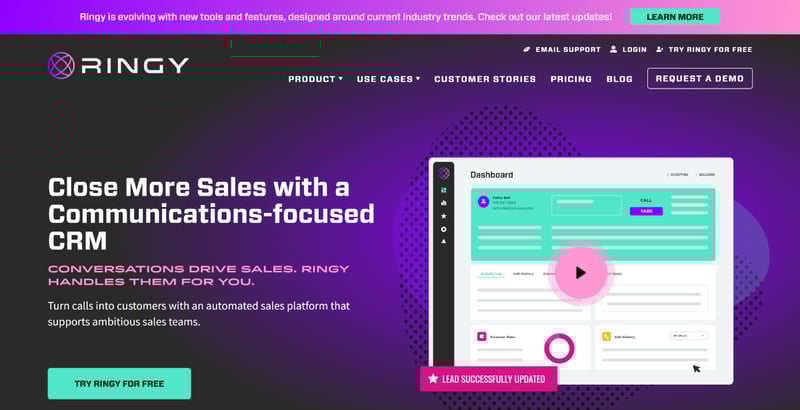
Ringy CRM is a sales-first CRM with built-in communication tools for teams that rely heavily on calls, texts, lead follow-up, and pipeline movement. Unlike standalone call center telephone systems, Ringy connects the call center phone experience directly to customer records, tasks, automations, and sales workflows.
Teams can manage leads, make calls, send SMS messages, automate follow-ups, and track conversations from one platform.
Best for
- Sales teams that want calling, texting, and CRM activity in one place.
- Insurance, mortgage, real estate, and service-based teams that need fast lead follow-up.
- Small to mid-sized teams that want automation without adopting a complex enterprise contact center.
Honest Limitations
Ringy is not built to be a massive enterprise contact center platform with complex workforce management, advanced omnichannel routing, or large-scale QA operations. Teams that need deep support-center infrastructure across dozens of channels may need a more traditional CCaaS platform. Also, businesses should review add-on costs carefully if they need power dialing, AI tools, or heavier usage.
When to Choose Ringy
Choose Ringy when your call center phone system needs to drive revenue, not just answer calls. It is especially strong when your team needs to call leads quickly, text prospects, automate follow-ups, and keep every conversation tied to a sales pipeline. If your biggest problem is missed follow-up, scattered lead data, or reps wasting time switching between tools, Ringy is a practical fit.
Freshdesk — Best for Support Teams That Need Help Desk + Phone Workflows
Overview
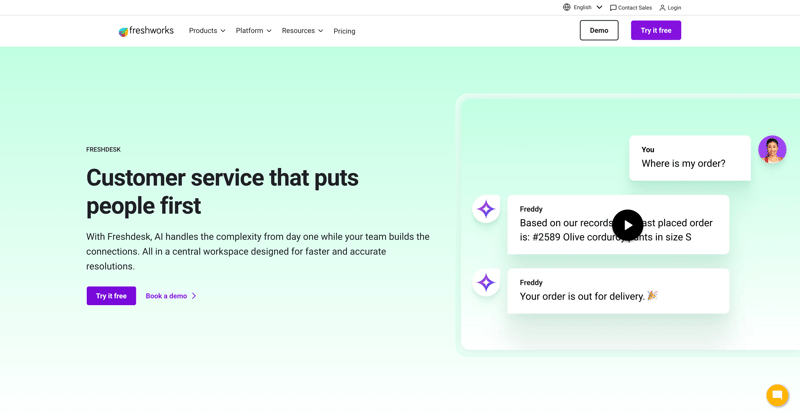
Freshdesk is a customer support platform designed around ticketing, automation, omnichannel service, and AI-assisted support. It is not only a call center phone system, but it can support phone-based service workflows when paired with Freshworks’ broader customer service tools. Freshdesk is especially useful for teams that want to connect calls with tickets, customer history, SLAs, and support automation. Freshdesk offers a free plan, with paid plans commonly starting at $19 per agent per month.
Best for
- Support teams that need phone conversations connected to ticketing workflows.
- Businesses that want automation for repetitive support requests.
- Teams that need a more structured help desk before investing in an enterprise contact center.
Honest Limitations
Freshdesk is strongest as a help desk platform, so teams looking for advanced outbound dialing, sales pipelines, or native CRM-first calling may find it less direct than Ringy. Some call center functionality may require additional Freshworks products or higher-tier plans, so buyers should confirm the exact phone, routing, and reporting features included before choosing a plan.
When to Choose Freshdesk
Choose Freshdesk when your call center system is primarily for customer support rather than outbound sales. It works best when calls are part of a larger service operation that includes tickets, chat, email, SLAs, knowledge base content, and automation.
RingCentral Contact Center — Best for Enterprise Omnichannel Contact Centers
Overview
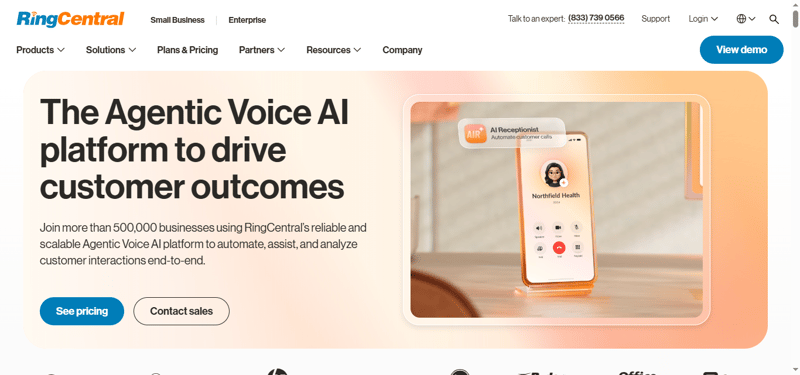
RingCentral Contact Center is a cloud contact center platform built for businesses that need scalable routing, omnichannel engagement, analytics, and workforce tools. It supports more advanced contact center systems than a basic VoIP phone system, making it a better fit for organizations with higher call volume and more complex support operations. RingCentral also has a strong presence across VoIP and contact center review categories, with RingCX listed at 4.5/5 on G2 in 2026.
Best for
- Mid-market and enterprise teams with high call volumes.
- Support teams that need omnichannel routing across voice and digital channels.
- Organizations that want advanced analytics, QA, and workforce engagement tools.
Honest Limitations
RingCentral Contact Center can be more expensive and implementation-heavy than simpler, cloud based call center phone systems. It may be more platform than a small sales team needs if the team only wants calling, texting, and basic follow-up automation. Buyers should also expect quote-based pricing and a more involved setup process.
When to Choose RingCentral Contact Center
Choose RingCentral Contact Center when your business needs a scalable, enterprise-ready contact center system with sophisticated routing and reporting. It is a strong fit for companies where customer experience, service reliability, and multichannel support are more important than simple low-cost calling.
Aircall — Best for Sales and Support Teams That Need Easy Call Workflows
Overview
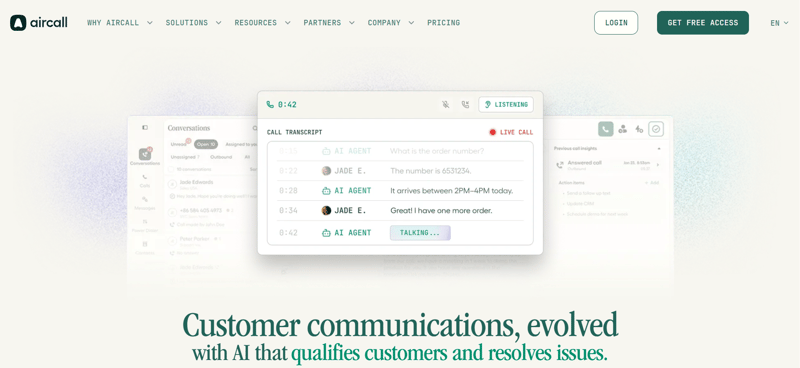
Aircall is a cloud-based call center phone system built for sales and support teams that need fast setup, clean call management, and strong CRM integrations. It includes IVR, call routing, call recording, analytics, call monitoring, and power dialer features on higher-tier plans. Aircall integrates with popular tools like Salesforce, HubSpot, Zendesk, and Intercom, making it useful for teams that want calls connected to customer context.
Best for
- Sales teams that need a call center phone system with power dialing and CRM integrations.
- Support teams that want call routing, monitoring, and conversation visibility.
- Growing businesses that need cloud based call center phone systems without enterprise-level implementation.
Honest Limitations
Aircall is easy to use, but it can become expensive as teams add advanced analytics, AI, power dialing, or higher-tier functionality. It is also not as customizable as developer-first contact center systems like Twilio Flex, so highly technical teams with complex routing needs may want a more programmable platform.
When to Choose Aircall
Choose Aircall when your team needs a modern call center system that is easier to launch than enterprise contact center software but more capable than basic business phone tools. It is especially useful for sales and support teams that want calling, routing, reporting, and CRM context in one workflow.
Google Voice — Best for Google Workspace Users
Overview
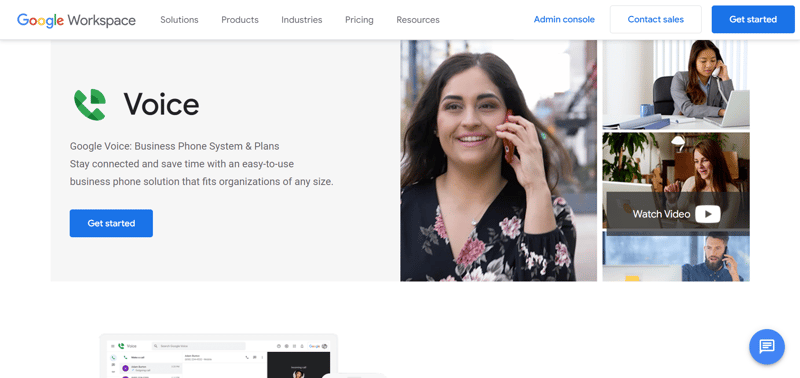
Google Voice is a simple business phone solution for teams already using Google Workspace. It provides business numbers, voicemail transcription, calling, texting in supported regions, and basic call management. Plans start at $10 per user per month and go up to $30 per user per month for Premier. Google Voice is easy to understand, but it is not designed as a full call center phone system for complex sales or support operations.
Best for
- Small teams already using Google Workspace.
- Businesses that need basic calling and voicemail.
- Teams that want a low-cost phone layer before adopting a full call center system.
Honest Limitations
Google Voice lacks many features found in dedicated call center telephone systems, such as advanced queue management, deep CRM workflows, power dialing, detailed call analytics, and sophisticated automation. It works well for simple business calling, but growing sales and support teams may outgrow it quickly.
When to Choose Google Voice
Choose Google Voice when you need a clean, low-cost business phone number inside the Google ecosystem. It is best for simple calling needs, not complex call center operations.
Grasshopper — Best for Solopreneurs and Very Small Teams
Overview
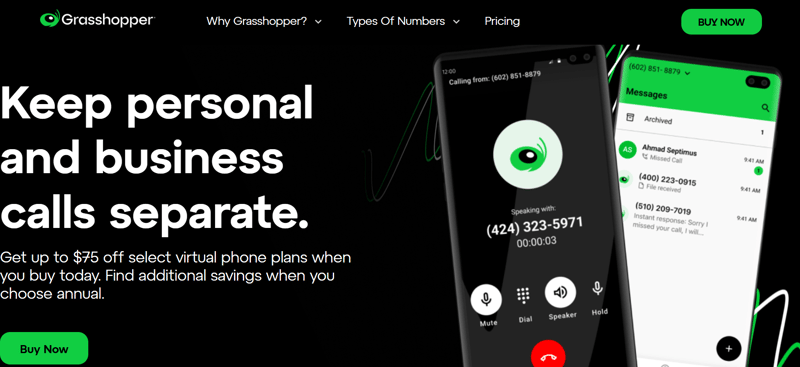
Grasshopper is a virtual phone system for entrepreneurs and small businesses that want a professional business number without a complex setup. It includes features like call forwarding, voicemail, extensions, and shared business communication tools.
Best for
- Solopreneurs who want a business number.
- Small teams that need simple forwarding and voicemail.
- Businesses that want a fast setup with minimal training.
Honest Limitations
Grasshopper is limited to teams that need call queues, advanced analytics, CRM integrations, automation, or high-volume outbound calling. Add-ons can also increase the real monthly cost, so buyers should look beyond the advertised entry price.
When to Choose Grasshopper
Choose Grasshopper when you want a simple business phone presence rather than a full call center phone system. It is best for early-stage teams that need professionalism more than automation.
Microsoft Teams Phone — Best for Microsoft 365 Organizations
Overview
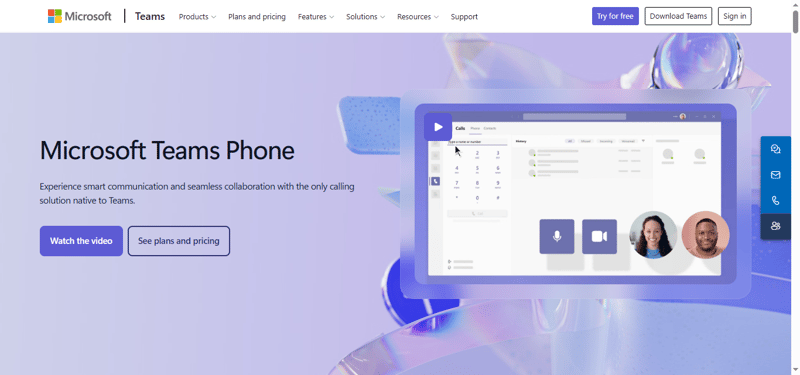
Microsoft Teams Phone extends Teams into business calling with PSTN connectivity, call queues, auto attendants, voicemail, and collaboration features. It works well for companies already standardized on Microsoft 365 because employees can call, chat, meet, and share files in one environment. G2 lists Microsoft Teams Essentials at $4.80 per user per month, though Teams Phone calling plans and add-ons vary by region and setup. Third-party sources commonly cite Microsoft Teams around 4.4/5 on G2.
Best for
- Companies already using Microsoft Teams daily.
- Internal support or service teams that need calling inside Microsoft 365.
- Organizations that want unified communication more than standalone call center software.
Honest Limitations
Microsoft Teams Phone can feel heavy if your team only needs a focused call center system. Setup can also become more technical when you add calling plans, direct routing, compliance requirements, and admin controls.
When to Choose Microsoft Teams Phone
Choose Microsoft Teams Phone when your business already lives inside Microsoft 365 and wants calling added to the same workspace. It is best for unified communications, not necessarily for sales-first outbound call center workflows.
Zoom Phone — Best for Video-First Teams Adding Business Calling
Overview
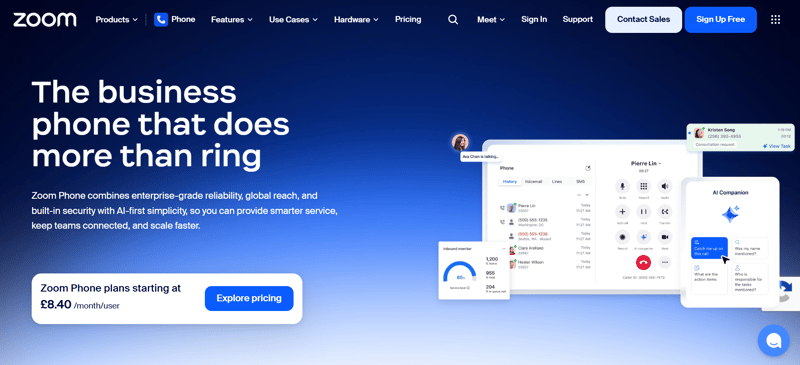
Zoom Phone is a cloud phone system for teams already using Zoom for meetings, webinars, and collaboration. It adds VoIP calling, voicemail, call routing, SMS, and admin controls to the Zoom ecosystem. For companies already comfortable with Zoom, adoption can be relatively smooth because users already know the interface. It is a strong option for hybrid teams that want meetings and phone service from one provider.
Best for
- Teams already using Zoom Workplace.
- Hybrid organizations that need phone, meetings, and messaging together.
- Businesses that want simple cloud calling with room to expand into Zoom Contact Center.
Honest Limitations
Zoom Phone is not the same as Zoom Contact Center. Teams that need advanced contact center systems, sophisticated omnichannel routing, or workforce management may need to evaluate Zoom’s broader contact center products rather than Zoom Phone alone.
When to Choose Zoom Phone
Choose Zoom Phone when your team already relies on Zoom and wants to consolidate calling into the same ecosystem. It is especially useful when voice is important, but video collaboration is still central to daily work.
Quo (Formerly OpenPhone) — Best for Startups and Collaborative Small Teams
Overview
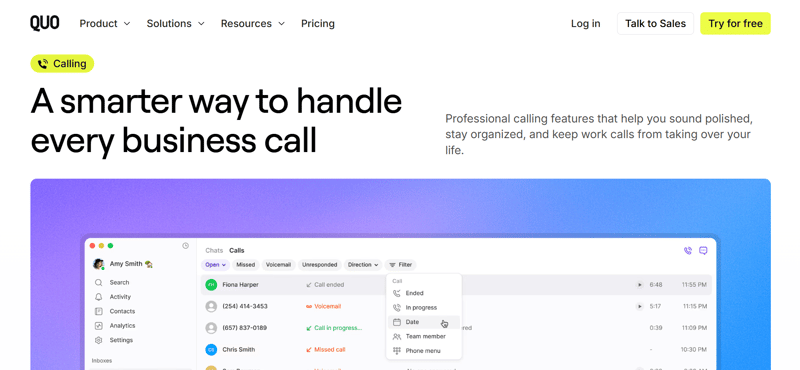
OpenPhone, now commonly positioned under Quo branding in some review listings, is a modern business phone system for startups and small teams. It focuses on shared numbers, collaborative inboxes, SMS, call recording, transcripts, and AI summaries.
Best for
- Startups that need shared phone numbers.
- Small teams that collaborate around customer calls and texts.
- Businesses that want a clean, modern phone experience.
Honest Limitations
OpenPhone is not ideal for large, complex call centers that need deep queue management, advanced workforce tools, or highly customized routing. It is better as a collaborative business phone system than a full enterprise contact center platform.
When to Choose OpenPhone
Choose OpenPhone when your team needs a simple, modern call center phone experience with shared visibility into customer conversations. It is especially strong for lean teams that want calls and texts organized without enterprise complexity.
GoTo Connect — Best for SMB Unified Communications
Overview
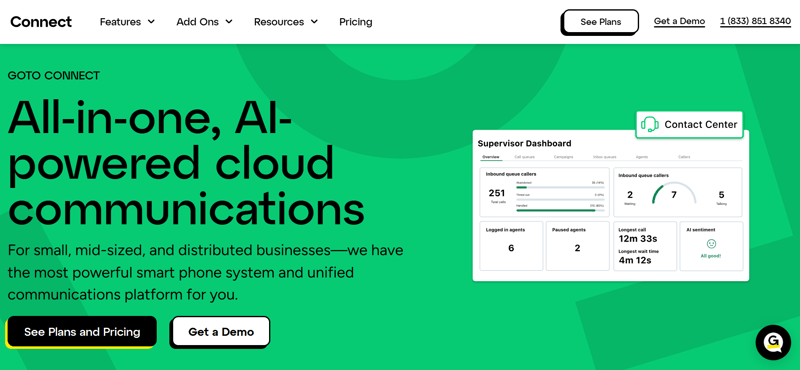
GoTo Connect combines business phone, video meetings, messaging, and cloud-based communication tools for small and midsize organizations. It is designed to be easier to deploy than heavier enterprise systems while still offering useful call routing and admin features.
Best for
- SMBs that want voice, video, and messaging together.
- Multi-location teams that need centralized calling.
- Businesses that want stronger communication tools without enterprise CCaaS complexity.
Honest Limitations
GoTo Connect may not be the deepest option for advanced contact center automation, AI-led workflows, or complex enterprise routing. Teams should confirm which call center features are included in the plan they choose.
When to Choose GoTo Connect
Choose GoTo Connect when your business needs a reliable all-in-one communications platform rather than a sales-specific CRM dialer or enterprise contact center system.
Phone.com — Best for Flexible Small Business Phone Plans
Overview
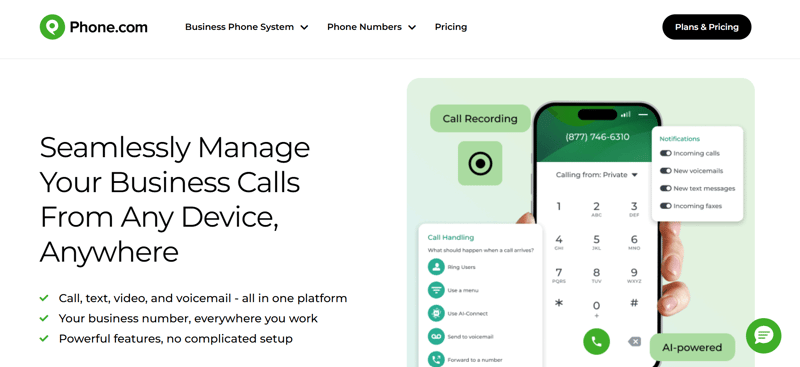
Phone.com is a business phone system built for small companies that want flexible VoIP features without committing to a heavyweight contact center platform. It includes calling, numbers, voicemail, routing, and optional add-ons for more advanced needs.
Best for
- Small businesses that want flexible phone plans.
- Teams that need basic VoIP with optional add-ons.
- Companies that want a lower-cost alternative to larger UCaaS platforms.
Honest Limitations
Phone.com can become more expensive as teams add premium features, extra numbers, or advanced functionality. It is also not as purpose-built for sales automation or enterprise contact center workflows as Ringy, RingCentral, or Twilio Flex.
When to Choose Phone.com
Choose Phone.com when you want a straightforward business phone system with flexible pricing and do not need complex call center automation solutions.
Twilio Flex — Best for Programmable Contact Centers
Overview
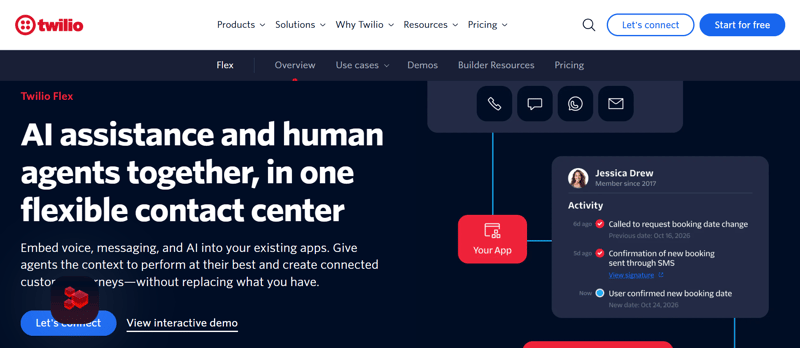
Twilio Flex is a programmable cloud contact center platform built for companies that want to customize the agent experience, customer journey, integrations, and communication workflows. It supports voice and digital channels and gives technical teams extensive control through APIs and developer tools.
Best for
- Developer-led teams that need custom contact center systems.
- Companies with complex routing, workflow, or integration requirements.
- Businesses that want full control over the agent and customer experience.
Honest Limitations
Twilio Flex is powerful, but it is not the simplest call center phone system to launch. Businesses without technical resources may struggle to configure, customize, and maintain it. It can also become expensive depending on usage and development needs.
When to Choose Twilio Flex
Choose Twilio Flex when your company has technical resources and needs a deeply customizable contact center system. It is best for teams that want to build tailored workflows instead of buying a rigid out-of-the-box platform.
Frequently Asked Questions About Call Center Phone Systems

Choosing between call center phone systems can feel confusing because many tools use similar language. These answers cover the biggest buyer questions.
What is a call center phone system?
A call center phone system is software that helps businesses manage inbound and outbound calls across a team. It usually includes call routing, voicemail, call recording, analytics, queues, IVR, SMS, and integrations with CRM or help desk tools. More advanced contact center systems may also include omnichannel messaging, AI automation, workforce management, and quality assurance.
What is the best call center phone system for small businesses?
The best call center phone system for small businesses depends on the use case. Ringy is a strong choice for sales teams because it combines CRM, calling, texting, lead tracking, and automation. Google Voice, Grasshopper, and Phone.com are better for basic calling. Freshdesk is stronger for support teams, while OpenPhone works well for collaborative startups.
How much do call center phone systems cost?
Basic call center telephone systems can start around $10–$20 per user per month, while more advanced cloud based call center phone systems typically cost $25–$150+ per user per month. Pricing depends on features like call queues, AI, CRM integrations, analytics, SMS, usage, and support level. Always review add-ons because the advertised entry price may not include the features your team actually needs.
Conclusion
Call center phone systems are invaluable for modern businesses, providing powerful and automated tools to maximize efficiency, increase ROI, and create better customer experiences.
But you must invest in the right call center phone system to capitalize on this potential. The ideal solution should meet your current needs and provide a platform for future growth and innovation.
With Ringy, you can use its intelligent routing, real-time analytics, and seamless integrations with our CRM system. These features enable efficient call distribution, personalized greetings, data-driven decision-making, and easy access to customer information, all aimed at delivering exceptional customer experiences.
Try it today and see how Ringy CRM can take your call center to the next level.

Skyrocket your sales with the CRM that does it all.
Calling? Check. SMS? Check. Automation and AI? Check. Effortlessly keep in touch with your customers and boost your revenue without limits.

Related Articles












.jpg)

.jpg)



















.jpg)