 Updated on
 By Rob Marquez
Table of Contents

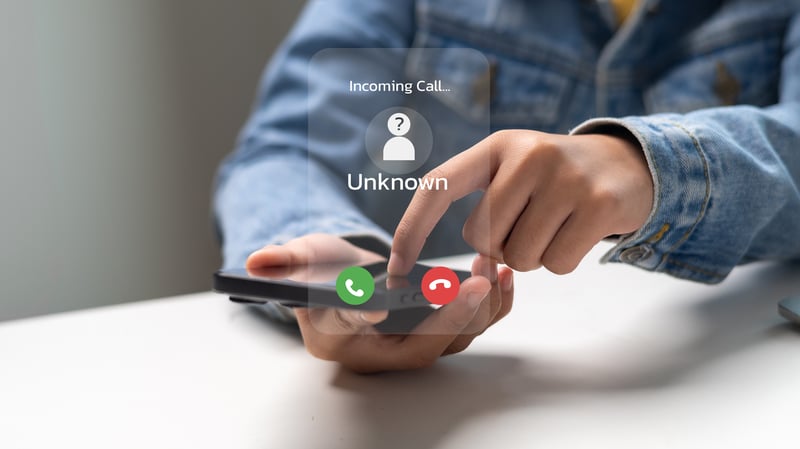
We've all been there when your phone lights up, buzzing aggressively on the desk, but instead of seeing your best friend's name, you see a terrifying label reading Scam Likely Call. Do you answer? Do you ignore it? Do you throw your phone into the sea?
Unless you're secretly hoping an offshore prince wants to wire you millions, it's best to let that ringing fade into silence. Dealing with persistent spam calls feels like playing an endless game of digital whack-a-mole, but understanding how these tags work gives you the upper hand.
What Is a "Scam Likely" Call?
A scam likely call is an incoming call that your wireless carrier's network automatically flags as potential spam or fraud before your phone even finishes ringing.
Major telecom networks analyze massive volumes of real-time call data, identifying patterns common to illegal robocalls, spoofed numbers, and fraudulent phone schemes.
When a network detects suspicious activity originating from an incoming number, it appends a caller ID warning, such as "Scam Likely," "Spam Risk," or "Potential Fraud," to alert you before you pick up.
What Makes a Call Get Tagged "Scam Likely"?
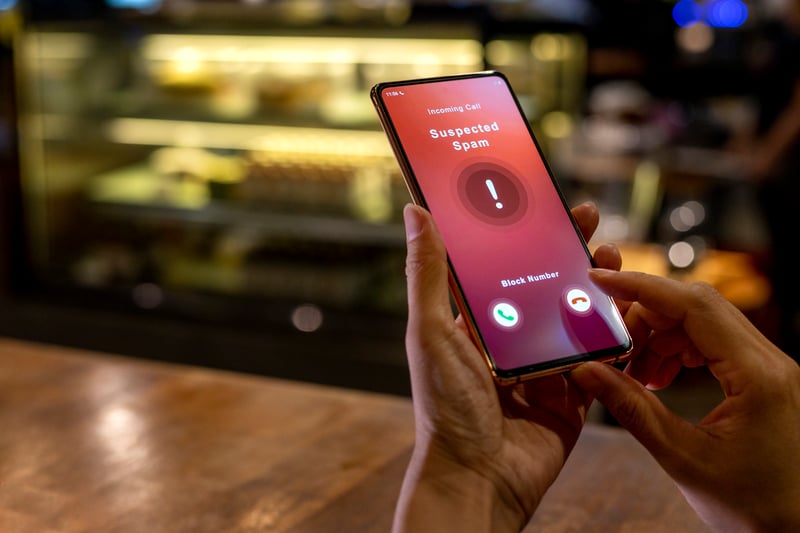
Carriers rely on sophisticated analytics engines that evaluate billions of data points every day. Knowing what does scam likely mean on a phone call comes down to understanding the technical red flags carriers monitor.
- High Call Velocity: If a single phone number makes hundreds or thousands of calls per hour, automated carrier systems immediately tag it as a likely dialer or spam bot.
- Short Duration Patterns: Numbers that place high volumes of short calls lasting only a few seconds fit the classic profile of robocall engines scanning for active numbers.
- Neighbor Spoofing: Scammers often spoof local area codes and prefixes to trick you into picking up. When carriers detect thousands of calls originating from an unassigned or misconfigured local number, it triggers a spam tag.
- User Reports: Aggregated spam reports submitted by consumers through carrier security apps like T-Mobile Scam Shield, AT&T Call Protect, or Verizon Call Filter heavily influence real-time caller reputation scores.
Should You Answer a Scam Likely Call? What Happens If You Do
The short answer is no. You should never answer a phone call scam likely notice. If you are wondering what happens if you answer a scam likely call, picking up exposes you to several distinct risks.
First, simply answering confirms to an automated dialer that your phone number is valid, active, and monitored by a human. Scammers routinely compile and sell lists of "live" numbers to other illegal telemarketers, meaning one brief pick-up can cause your incoming spam calls to multiply exponentially.
Second, modern scams rely on sophisticated social engineering tactics. Experienced fraudsters use voice-cloning AI, high-pressure urgency tricks, or fake impersonations of government agencies (like the IRS) to extract credit card numbers, Social Security details, or banking credentials.
Finally, if you wonder what happens if you call scam likely back after missing a buzz, you risk reaching a premium-rate international pay line or contacting an innocent person whose legitimate phone number was spoofed by a scammer.
Why Does a Scam Likely Call Hang Up Right Away?

It is incredibly common to pick up a suspicious call only to hear immediate silence followed by a click. If you find yourself asking why do scam likely call and hang up, the reason usually boils down to how automated predictive dialers operate.
Scammers use computer software to dial dozens of numbers simultaneously. The system expects that only a small percentage of people will answer. When you pick up, the predictive dialer attempts to route your line to an available live scam agent. If no agent is free at that exact second, the automated system simply drops the call.
Another common reason for the question of why does scam likely call you and hang up immediately is number validation. Robocall bots frequently place automated test calls purely to map out active telephone lines. The machine logs that the line was opened, hangs up without speaking, and adds your verified number to an active calling roster for future fraud campaigns.
How to Block Scam Likely Calls
Tired of seeing a phone call from scam likely cluttering your call log? You can dramatically cut down on unwanted interruptions using built-in smartphone features and carrier-level protections.
- Enable Smartphone Filtering: Both Apple and Google offer native tools to filter unknown callers. iPhone users can turn on "Silence Unknown Callers," while Android users can activate "Filter Spam Calls."
- Use Carrier Security Apps: Download your wireless provider's dedicated anti-spam app (such as T-Mobile Scam Shield, Verizon Call Filter, or AT&T ActiveArmor). These apps let you adjust block thresholds and block fraud calls before your phone rings.
- Register on the National Do Not Call Registry: While rogue scammers often ignore regulations, adding your line to official government registries prevents legitimate telemarketers from ringing your phone, making true spam easier to spot.
- Third-Party Blocking Apps: Applications like Hiya, RoboKiller, or Truecaller cross-reference incoming calls against crowd-sourced spam databases to block known scam likely numbers automatically.
How to Correct an Inaccurate Scam Likely Tag on Your Own Number
If you operate a legitimate business, having your outbound calls tagged as a scam likely phone call can destroy your phone contact rates and damage customer trust.
This usually happens when a business places a high volume of legitimate outreach calls without proper caller ID authentication, leading carrier algorithms to mistake high activity for spam. To fix an inaccurate tag on your business line:
- Register with Free Caller Registry: Submit your business phone numbers through Free Caller Registry, a centralized portal that feeds caller data directly to major analytics engines (including Hiya, First Orion, and Transaction Network Services).
- Implement STIR/SHAKEN Standards: Work with your VoIP system or telecommunications provider to ensure your outbound calls carry full "A-level" attestation under STIR/SHAKEN protocols, proving your business legally owns the caller ID being displayed.
- Contact Carriers Directly: Reach out directly to major wireless carriers (AT&T, T-Mobile, Verizon) via their dedicated phone number reputation dispute portals to request a manual review and removal of false spam tags.
Scam Likely on iPhone vs. Samsung/Android
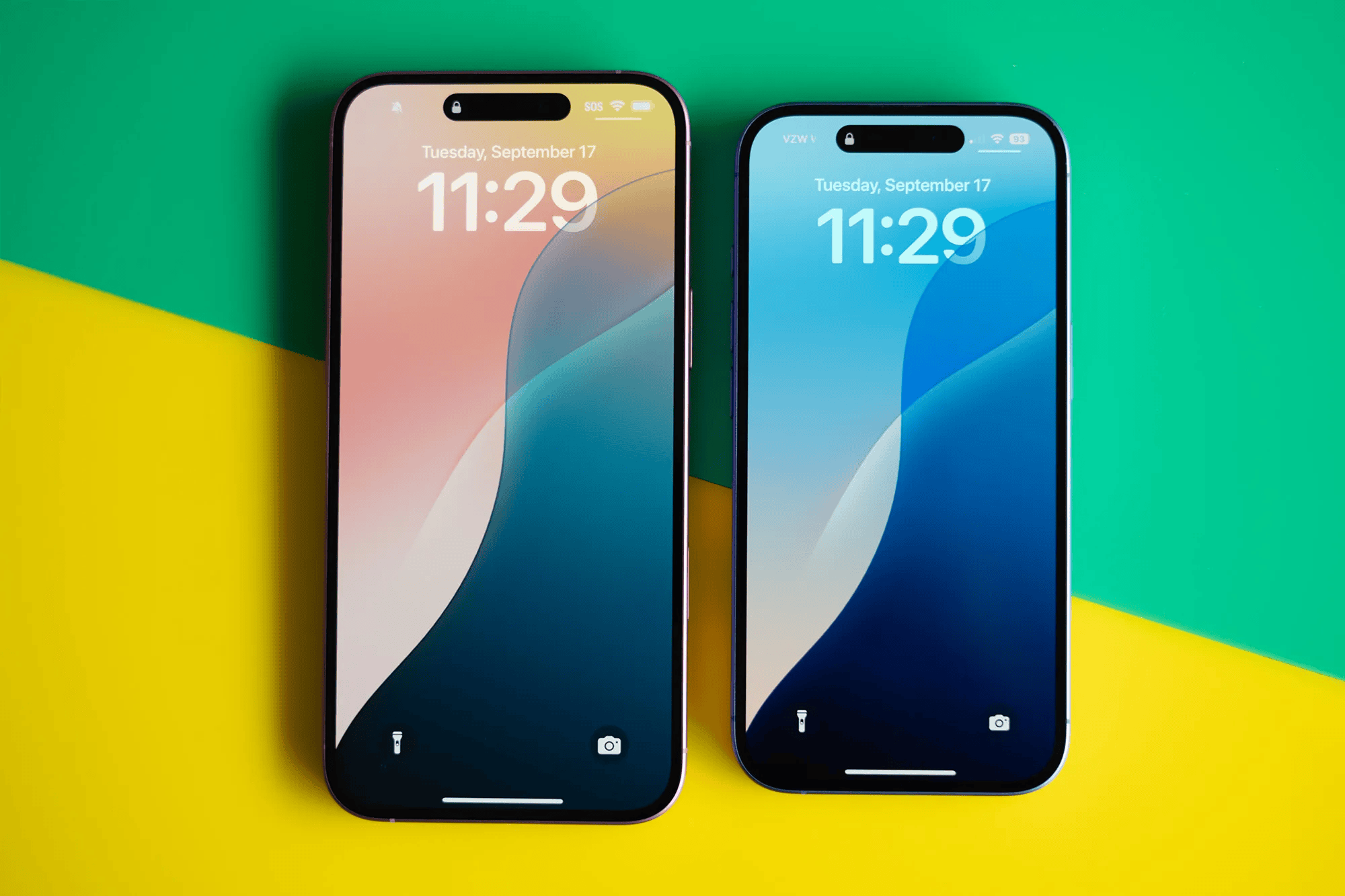
While both iOS and Android protect users from fraudulent calls, their built-in caller ID interfaces and native spam mitigation features differ significantly.
|
Feature / Capability |
Apple iPhone (iOS) |
Samsung / Android |
|
Native Spam Display |
Relies primarily on network carrier signaling to display "Scam Likely" text on the lock screen. |
Uses Google Caller ID & Spam or Samsung Smart Call (powered by Hiya) natively. |
|
Call Silencing Feature |
Silence Unknown Callers: Sends all numbers not in your contacts/recents directly to voicemail. |
Filter Spam Calls: Selectively blocks only suspected spam/scam calls while letting standard unknown calls through. |
|
Visual Call Screening |
Live Voicemail: Displays a real-time transcript on screen as the caller leaves a message so you can decide to pick up. |
Call Screen (Google Pixel): Google Assistant answers the call, asks the caller why they are calling, and transcribes responses live. |
|
Spam Reporting |
Requires manual reporting through carrier apps or third-party utilities. |
Allows one-tap reporting and number flagging directly from the native Phone app interface. |
FAQs
Can a legitimate business call show up as a scam likely call?
Yes. If a legitimate company makes many outbound calls in a short period without updated caller authentication, carrier algorithms may temporarily flag the number as potential spam.
Does blocking a scam likely number stop them from calling again?
It helps, but it won't stop them completely. Scammers regularly spoof fake numbers, meaning they will simply call you back using a completely different, randomly generated phone number next time.
Can scammers steal my information just by me answering the phone?
Simply picking up a call does not allow someone to hack your phone or steal data instantly. However, answering confirms your line is active and opens the door to verbal trickery or voice recording scams.
Conclusion
If you are on the business side of the line, keeping your outbound communications clear of being a scam likely call and trustworthy is critical. That's where Ringy comes in. Designed to help sales teams stay connected without being flagged as spam, Ringy equips your business with fully compliant VoIP calling tools, automated STIR/SHAKEN registration, local caller ID options, and intelligent lead management features.
By optimizing your calling practices, Ringy ensures your legitimate calls actually reach your prospects instead of getting lost behind a spam filter.
- Ready to get started? Try Ringy for free.
- Need some more information before you take the plunge? Book a demo for an in-depth overview of our system.
- Want to see how Ringy measures up? Compare Ringy with other CRMs.

Skyrocket your sales with the CRM that does it all.
Calling? Check. SMS? Check. Automation and AI? Check. Effortlessly keep in touch with your customers and boost your revenue without limits.

Related Articles









.jpg)

.jpg)


















.jpg)