 Updated on
 By Carlos Correa
Table of Contents

Between calling, texting, video, and internal chat, most companies now juggle several tools that all claim to be the one business communication solution you need. This guide ranks 12 real options, starting with the platform built specifically for outbound-heavy sales teams, so you can shortlist the right fit for your business without booking a dozen demos.
How We Evaluated the Top Business Communication Solutions
To build this list, we looked at core calling and messaging features, pricing transparency, third-party review scores, and how well each platform fits a specific team profile rather than trying to be everything to everyone. A communication solution for business leaders evaluating options at scale needs more than a features checklist; it needs a realistic sense of who each platform is actually built for.
|
Tool |
Best For |
Key Features |
Starting Price |
Third-Party Rating |
Pros |
Cons |
|
Outbound sales teams |
Calling, SMS, email, CRM, Pipeline mangement |
$119/month flat |
4.6/5 (G2) |
Unlimited users; sales-focused tools |
Less suited to internal collaboration |
|
|
All-in-one cloud communications |
Phone, video, messaging |
$30/user/month |
4.2/5 (G2) |
Deep integrations; comprehensive UCaaS |
More expensive for smaller teams |
|
|
Customer-facing teams |
Voice, analytics, AI, CX |
$15/user/month |
4.5/5 (G2) |
Strong analytics and support |
Higher tiers become expensive |
|
|
Call center-style teams |
Call queues, CRM integrations, analytics |
$30/user/month |
4.4/5 (G2) |
Excellent CRM integrations |
Pricier at scale |
|
|
AI-powered calling |
Transcription, coaching, analytics |
$15/user/month |
4.4/5 (G2) |
Strong AI features |
Some features require higher tiers |
|
|
Video-first teams |
Meetings, webinars, VoIP calling |
Varies by plan |
4.5/5 (G2) |
Excellent video |
Phone is an additional product |
|
|
Local/multi-location businesses |
Unified inbox for SMS, webchat, Facebook Messenger, review requests, text-based payments |
Custom quote only |
4.5/5 (G2) |
Ties reviews, texting, and payments into one inbox; used by 100,000+ local businesses |
No transparent pricing; no Yelp integration; webchat costs extra; not built for outbound sales calling |
|
|
Microsoft 365 businesses |
Chat, meetings, calling |
$10/user/month for Teams Phone Standard |
4.4/5 (G2) |
Strong Microsoft integration |
Calling can require additional licensing |
|
|
Flexible business calling |
Calling, SMS, communications tools |
$20.99/user/month promotional |
4.3/5 (G2) |
Flexible plans |
Pricing varies by promotion/plan |
|
|
Analytics-heavy teams |
UCaaS, calling, reporting |
Custom pricing |
4.2/5 (G2) |
Strong analytics |
Pricing isn't publicly transparent |
|
|
Developer-built workflows |
Voice, SMS, APIs |
Usage-based |
4.1/5 (G2) |
Highly programmable |
Requires development resources |
|
|
Solopreneurs |
Virtual numbers, forwarding, voicemail |
Plan-dependent flat pricing |
3.9/5 (G2) |
Simple; no desk-phone hardware required |
Fewer advanced features |
The table above should give you a quick gut check on fit, but the deeper breakdowns below cover what each business communication solution is actually like to use day to day.
Ringy — Best for Sales Teams and High-Volume Outbound Communication
Overview
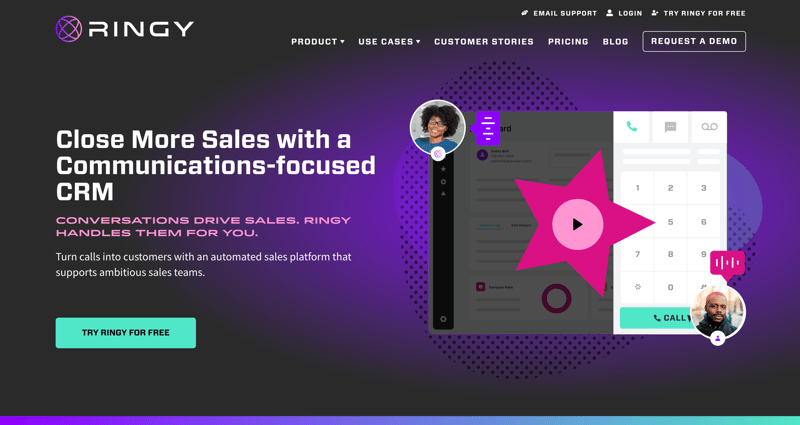
We built Ringy as a sales-first CRM around calling and texting, rather than bolting those features onto a generic CRM afterward. It includes a built-in softphone, power dialer, local caller ID, and an sms solution for business communication baked directly into the same platform where your leads live, so your reps aren't switching between four apps to have one conversation.
Drip campaigns and a unified inbox mean a rep can see every call, text, and email tied to a lead in one place instead of piecing the history together across separate tools, and we price it flat rather than scaling per seat the way most of this list does.
Best For
- Outbound sales teams making high call volume daily, especially in insurance and financial services
- Teams that want calling, texting, and email automation without a per-seat pricing tax
- Sales orgs that need drip campaigns and call history tied directly to the lead record
Honest Limitations
We built Ringy for sales, not for internal team chat or video meetings, so you'll still need a separate tool like Zoom or Teams for those use cases. It's also not the right fit if your primary communication need is customer support ticketing rather than outbound sales conversations. That's simply not what we optimized for.
When to Choose Ringy
If your team's day is built around outbound calls and follow-up texts, we think Ringy is the best business communication solution on this list for that specific job.
RingCentral — Best for All-in-One Cloud Communication
Overview
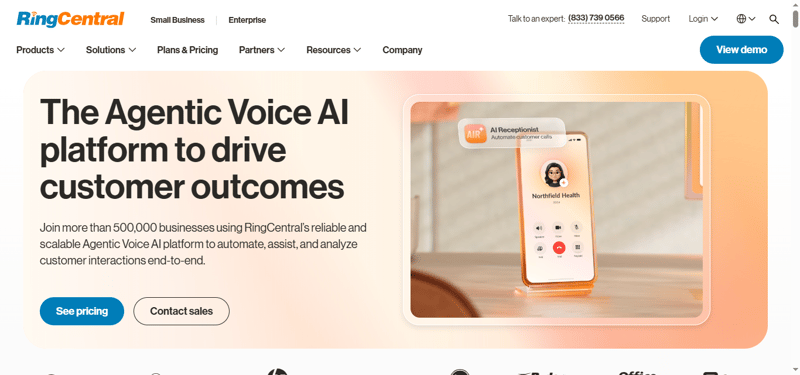
RingCentral bundles phone, video meetings, and team messaging into a single login, and its 300+ integration marketplace and 99.999% uptime guarantee make it a common pick for companies consolidating several vendor contracts into one. RingSense, its AI layer, generates call summaries and notes automatically across the platform.
Best For
- Mid-sized to large companies wanting phone, video, and messaging from a single vendor
- Teams needing deep integrations with Salesforce, Zendesk, HubSpot, or ServiceNow
- Organizations that value a strong uptime guarantee over lower cost
Honest Limitations
Entry pricing runs around $30 per user per month billed annually, and reviewers consistently flag strict annual contracts, low included SMS limits, and feature gating that pushes commonly needed capabilities into higher tiers. It's also generally considered harder to configure out of the box than Nextiva or Zoom Phone.
When to Choose RingCentral
Pick it when you want one vendor covering calling, video, and messaging at scale, and you're comfortable committing to an annual contract to get there.
Nextiva — Best for Unified Customer Communication with AI
Overview
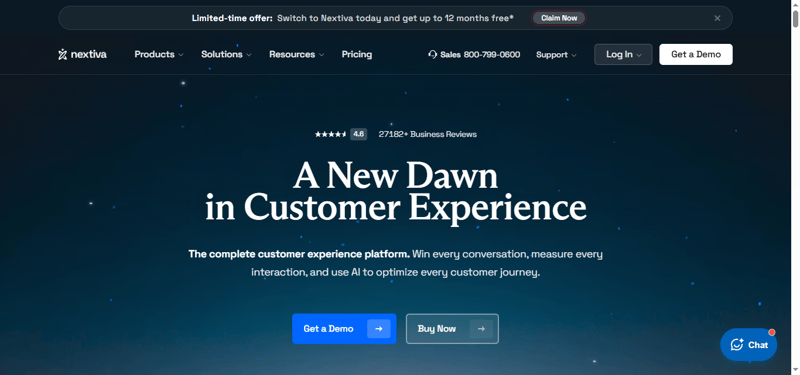
Nextiva competes directly with RingCentral but consistently rates better on ease of setup and customer support responsiveness. Independent comparisons put its G2 satisfaction score noticeably ahead of RingCentral's, and entry pricing looks attractive at around $23 per user per month ($15 if billed annually).
Best For
- Teams that want RingCentral-level features without RingCentral's setup complexity
- Companies that weight support quality heavily in a vendor decision
- Digital-first teams that engage customers across reviews, social messaging, and chat as much as phone calls
Honest Limitations
That advertised entry price is frequently a multi-year "teaser rate." Several independent comparisons note that renewal pricing, or switching to month-to-month, can jump 30 to 50% once the initial term ends, and mid-tier plans climb steeply from there.
When to Choose Nextiva
A solid RingCentral alternative if you're willing to read the contract terms carefully before signing, particularly around what happens at renewal.
Aircall — Best for Call Center-Style Sales and Support Teams
Overview
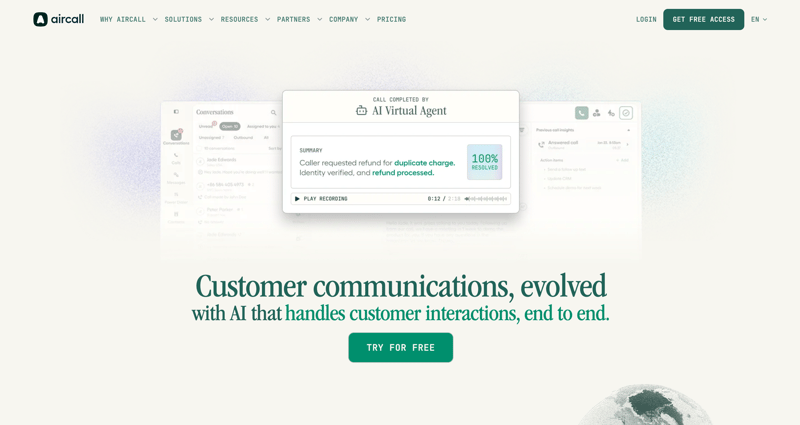
Aircall built its reputation as a clean, easy-to-configure cloud phone system for sales and support teams, and that reputation still holds. Onboarding speed and CRM sync into Salesforce or HubSpot are consistently the most-praised parts of the product across roughly 1,600 G2 reviews.
Best For
- Sales and support teams running structured call queues
- Teams needing tight, low-maintenance CRM integration
- Companies primarily calling within the U.S. and Canada
Honest Limitations
This is where the research got less flattering than Aircall's marketing suggests. SMS is domestic-only (the one exception being U.S.-to-Canada), so international teams need a separate paid WhatsApp add-on to text at all. Connection issues and call quality are the two most-mentioned complaint themes in Aircall's own G2 review data, and multiple 2026 reviews document real cost running 50 to 75% above the advertised per-seat rate once seat minimums and add-ons are included. Billing and auto-renewal practices are a recurring complaint on Trustpilot specifically.
When to Choose Aircall
Still a strong pick if your team is U.S./Canada-focused and values fast setup over rock-bottom pricing, but budget for the real cost, not the sticker price.
Dialpad — Best for AI-Powered Call Analytics
Overview
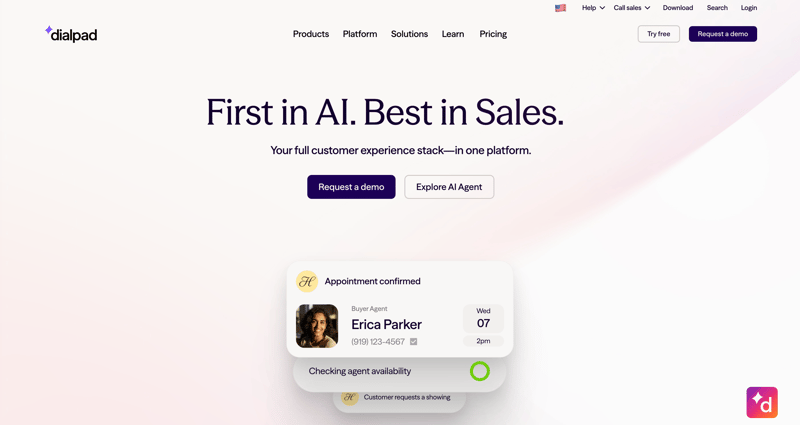
Dialpad built its product around AI from the start rather than adding it later, and independent testing has measured its real-time transcription at roughly 94% accuracy on clear calls, with sentiment analysis that correctly flagged frustrated callers in 8 of 10 test scenarios in one third-party review. A company dictionary feature lets teams add product names and competitor terms to improve transcription accuracy over time.
Best For
- Sales and support managers who want live call coaching and searchable transcripts
- Teams that want AI features included standard rather than sold as a premium add-on
- Organizations already using Google Workspace or Microsoft 365, given the interface similarities
Honest Limitations
Pricing sentiment is mixed. Several G2 reviewers report billing problems, including being charged for licenses the vendor failed to downgrade after a team shrank. Some accounts report SMS functionality that never worked correctly despite repeated support tickets, and voice quality has been flagged as inconsistent on unstable internet connections.
When to Choose Dialpad
Worth prioritizing if call coaching and transcription quality matter more to you than having the cheapest plan on this list.
Zoom — Best for Video Meetings and Webinars
Overview
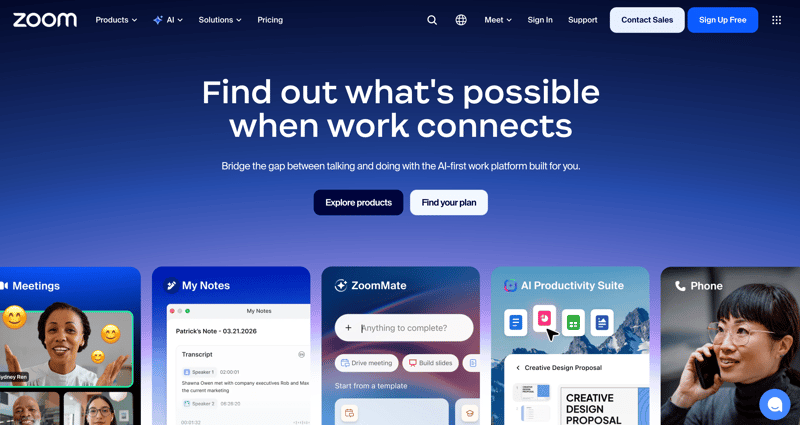
Zoom Phone extends the video platform most companies already have into a full calling system, and at around $10 per user per month, it's consistently cited as the cheapest standalone VoIP option among the major players. It carries one of the strongest third-party ratings on this entire list.
Best For
- Teams whose primary communication channel is already Zoom video meetings
- Companies prioritizing low cost over deep sales-specific features
- Organizations wanting one login for both meetings and calling
Honest Limitations
Phone functionality is clearly secondary to video in how the product is built and supported; teams that need heavy outbound calling features, power dialers, or sales-specific coaching tools will find Zoom Phone thinner than Aircall, Dialpad, or Ringy in that area, and useful features are often locked to higher-tier plans.
When to Choose Zoom
Choose it if video is already your primary channel and you just need calling added at the lowest possible cost.
Podium — Best for Local and Multi-Location Businesses
Overview
Podium is built differently from most of this list. It's less a phone system and more a unified inbox for texting, webchat, Facebook Messenger, and online reviews, built specifically for local and multi-location businesses like auto dealers, HVAC companies, and dental or aesthetics practices. It's used by more than 100,000 local businesses, and its standout feature is tying customer conversations directly to review requests and text-based payments.
Best For
- Local or multi-location service businesses that depend on Google and Facebook reviews for new customers
- Teams that want texting, webchat, and payment collection in one shared inbox
- Businesses where reputation management matters as much as the conversation itself
Honest Limitations
Podium doesn't publish transparent pricing. Every plan requires a sales call, and multiple reviewers describe the real cost as high relative to competitors once add-ons like webchat are included. It also lacks integration with Yelp, which is a real gap for any business relying on that platform, and bulk messaging is limited across every plan tier. It's genuinely not built for outbound sales calling the way Ringy or Aircall are. Texting and reviews are the core product, not calling.
When to Choose Slack
A strong fit if reviews and reputation drive your new business more than outbound sales calls do, and you're prepared to negotiate on price.
Microsoft Teams — Best for Microsoft 365-Integrated Enterprise Teams
Overview
Teams bundles chat, video meetings, and file collaboration directly into the Microsoft 365 suite most enterprises already pay for, and at roughly $15 per user per month for calling (often cheaper effectively, since the collaboration license is already sunk cost for M365 customers), it's frequently the lowest true cost option for companies already in that ecosystem.
Best For
- Organizations already standardized on Microsoft 365
- Teams that need messaging and meetings more than they need a dedicated phone system
- Companies wanting to avoid adding another vendor login
Honest Limitations
External phone calling requires an added licensing tier on top of standard Teams, so it's not a full phone system replacement out of the box, and its calling features remain noticeably behind dedicated VoIP providers like RingCentral or Nextiva.
When to Choose Microsoft Teams
A natural fit if your company already runs on Microsoft 365 and mainly needs internal collaboration with calling as a secondary need.
Vonage Business Communications — Best for Flexible Global Calling Plans
Overview
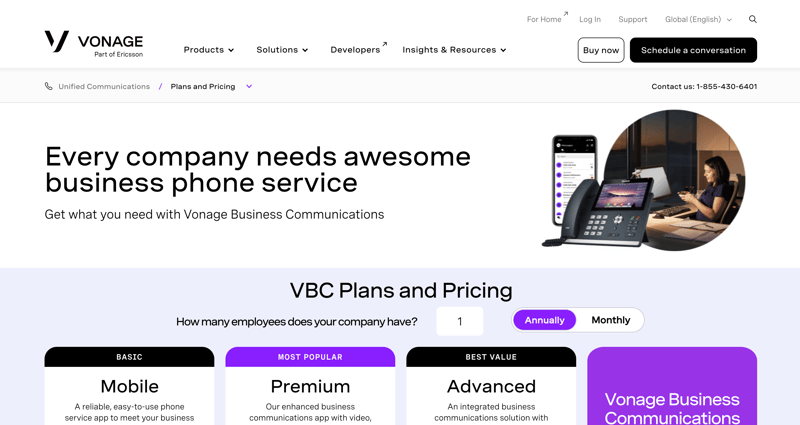
Vonage lets companies mix and match features through an extensive app marketplace rather than forcing everyone onto a fixed tier, and it's frequently recommended for teams that need a mobile-first experience for distributed staff rather than a desk-bound phone system.
Best For
- Companies with international calling needs or departments that each need different features
- Distributed or mobile-first teams that need calling to follow people, not desks
- Businesses wanting to build a custom feature set rather than a fixed bundle
Honest Limitations
The admin interface consistently reads as dated in comparisons against newer competitors, and support quality is inconsistent according to reviews; some praise individual reps while others describe slow, overseas-routed support for escalated issues.
When to Choose Vonage
Consider it when flexibility and mobile-first design matter more than having the most modern interface on the market.
8x8 — Best for Unified Communications with Built-In Analytics
Overview
8x8 differentiates itself on international reach and compliance, offering unlimited calling to roughly 48 countries and bundling HIPAA, PCI, GDPR, ISO 9001, and SOC 2 compliance directly into the platform, which matters for healthcare, financial services, and other regulated industries evaluating a business communication solution.
Best For
- Companies with international customers or remote employees across multiple countries
- Healthcare, financial services, and other compliance-heavy organizations
- Teams that regularly host large video meetings or webinars with 200+ participants
Honest Limitations
Like Podium, 8x8 doesn't publish clear self-serve pricing. Expect a quote-based sales process rather than a price you can compare instantly against competitors. Its G2 rating also trails several other tools on this list, and review volume is modest relative to its size in the market.
When to Choose 8x8
The right pick when international calling and bundled compliance certifications matter more than transparent, self-serve pricing.
Twilio — Best for Custom, API-Built Communication Workflows
Overview
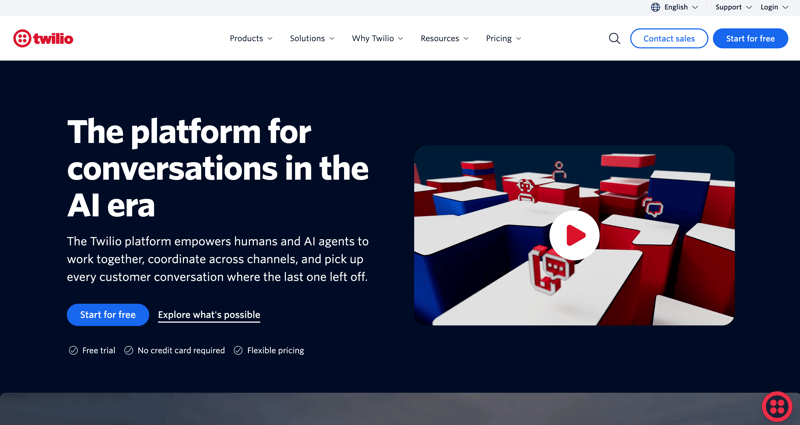
Twilio isn't a plug-and-play app; it's an api business communication solution that lets development teams build calling, texting, and video directly into their own product rather than asking employees to log into a separate dashboard. Companies that need communication features embedded inside their own app, like appointment reminders sent from a scheduling platform, typically end up here instead of a traditional off-the-shelf tool.
Best For
- Companies with in-house engineering resources building communication into their own product
- Teams needing fully custom, programmable voice, SMS, or video workflows
- Businesses whose communication needs don't fit any pre-built interface
Honest Limitations
Without developer time, Twilio isn't usable. There's no traditional dashboard for a non-technical team to just log into and start calling. Reviewers also flag that usage-based costs can spike unexpectedly as message and call volume grows, and compliance setup (like 10DLC registration for SMS) adds real friction before you can send your first message.
When to Choose Twilio
The right call when you're building communication features into your own sales software rather than buying a finished app.
Grasshopper — Best for Solopreneurs and Small Business Virtual Numbers
Overview
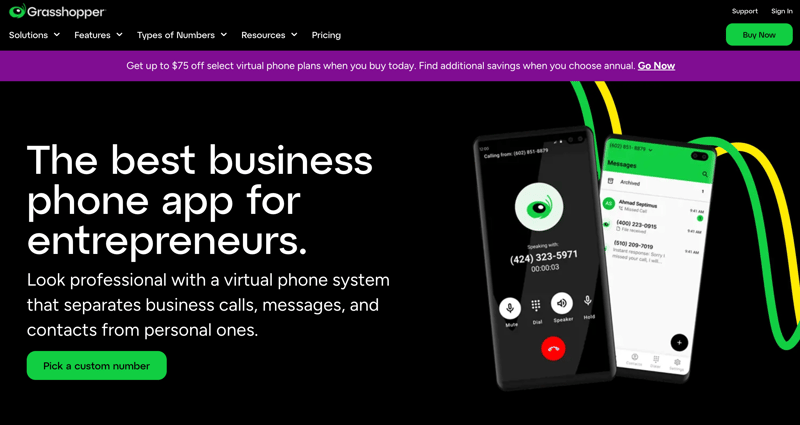
Grasshopper is a lightweight small business communication solution that gives solopreneurs a professional number without new hardware, forwarding calls straight to an existing cell phone, with flat pricing between roughly $14 and $55 a month depending on the plan.
Best For
- Solo operators and very small teams needing a professional number fast
- Businesses that want to avoid buying any new phone hardware
- Anyone who mainly needs call forwarding, voicemail, and a business-appropriate greeting
Honest Limitations:
Grasshopper holds the lowest third-party rating of any tool on this list, and reviewers consistently point to the same gap: it lacks the deeper CRM integrations, call analytics, and conference calling capabilities that larger platforms offer, so it's a poor fit the moment a team grows past a handful of people or needs real call data.
When to Choose Grasshopper:
Pick it when you want a professional number fast without committing to a full-blown communication system.
FAQs
What is a business communication solution?
A business communication solution is any platform that lets a company make calls, send messages, or hold meetings with customers or coworkers, ranging from simple virtual phone numbers to full unified communications platforms.
How much does business communication software cost?
Pricing typically ranges from around $15 to $40 per user per month for most calling and messaging platforms, while API-driven tools like Twilio charge based on usage instead of a flat seat price.
What is the best business communication solution for small businesses?
For small teams, Ringy and Grasshopper are strong starting points depending on whether the priority is outbound sales calling or a simple professional phone number.
What should I look for in a business communication solution?
Match the tool to your primary use case first — outbound calling, internal chat, video meetings, or custom API integration — then compare pricing against your actual usage rather than the advertised rate.
Do business communication solutions support SMS and API integrations?
Many do. Platforms like Ringy and Twilio build texting and programmable messaging directly into their core offering, while others treat SMS as a smaller add-on feature.
Business Communication Solutions: Making the Right Choice

There's no single best business communication solution for every company, but there is a right one for your team's actual workflow.
If your business runs on outbound calls and follow-up texts, Ringy's combination of calling, SMS, and email automation in one platform is hard to beat.
If your needs lean more toward internal collaboration, video, or custom-built workflows, several of the other 11 options on this list are worth a closer look. Whichever you choose, treat this as a decision about how your team actually communicates every day, not just which logo looks best on a pricing page.
If outbound calling and texting are central to how your team works, request a demo of Ringy to see the calling, SMS, and email automation covered above in action.

Skyrocket your sales with the CRM that does it all.
Calling? Check. SMS? Check. Automation and AI? Check. Effortlessly keep in touch with your customers and boost your revenue without limits.

Related Articles