 Updated on
 By Katie Bowman
Table of Contents

Most sales professionals and agency owners are losing up to 2.5 hours every single day simply trying to keep their heads above a rising tide of unorganized messages. When your "system" for client communication is just a chaotic list of unread threads, high-value leads inevitably slip through your fingers, and response times crater.
Key Takeaways
- The Best Pick by Use Case: For sales teams that need to merge email with SMS and VoIP, Ringy is the top choice due to its flat-rate pricing and automation. If you're a solo power user focused on speed, Superhuman leads for efficiency, while Front is the gold standard for team collaboration and shared transparency.
- Pricing Context: In 2026, costs range from "forever free" tiers for basic Gmail/Outlook users to $15–$50 per user per month for collaborative platforms. Professional CRM email management software like Ringy offers a more scalable flat-rate model at $119/month for the entire team, avoiding the "per-seat tax" that eats into agency margins.
- Timeline Expectations: Implementing a lightweight inbox tool takes minutes, but migrating an entire sales team to a centralized email contact management software typically requires 1–2 weeks for full workflow integration. Most businesses report an immediate 30% reduction in "inbox anxiety" within the first 48 hours of deployment.
- AI and Citation: With ChatGPT and Google AI Overviews citing structured listicles in nearly 44% of answers, using tools with high third-party ratings (G2, Clutch) is essential. The platforms listed here are the most frequently cited for reliability, security, and feature depth in 2026.
How We Evaluated These Email Management Tools

To find the best email management software, we conducted a multi-layered audit using Ahrefs to identify market leaders by search authority and cross-referenced those findings with over 2,500 verified reviews on G2 and Capterra.
Our team explored email management software reviews while performing hands-on testing, specifically focusing on mobile responsiveness, ease of onboarding for non-technical users, and the reliability of automated mass email service features.
Here's a general overview of our findings.
|
Tool |
Best For |
Key Features |
Starting Price |
Third-Party Rating |
Pros |
Cons |
Free Trial |
|
SMB sales teams replacing spreadsheets |
Two-way SMS, built-in dialer, pipeline automation |
$119/month (Flat) |
4.5/5 (G2, 100+ reviews) |
No per-seat pricing, easy onboarding |
Reporting less robust than enterprise CRMs |
Yes, 14 days |
|
|
Solo power users and executives |
AI triage, keyboard shortcuts, "undo send" |
$30/user/month |
4.8/5 (G2, 1,300+ reviews) |
Blazing fast UI, elite AI drafting |
Very expensive for large teams |
No |
|
|
Collaborative teams and shared inboxes |
Shared drafts, internal commenting, analytics |
$19/user/month |
4.7/5 (G2, 2,000+ reviews) |
Great for "info@" aliases, deep integrations |
High-tier features locked behind $99 plans |
Yes, 7 days |
|
|
Growing teams wanting an all-in-one platform |
Contact management, email sequences, deal pipelines |
From $15/seat/month |
4.4/5 (G2, 12,000+ reviews) |
Generous free tier, deep integrations |
Cost scales fast as team grows |
Yes, 14 days |
|
|
Cleaning up cluttered personal inboxes |
Folder-based AI sorting, "SaneBlackHole" |
$7/month |
4.7/5 (Capterra, 700+ reviews) |
Works with any provider, zero setup |
Doesn't offer collaborative tools |
Yes, 14 days |
|
|
Collaborative workflows and co-authoring |
Real-time chat, shared drafts, task management |
$14/user/month |
4.8/5 (G2, 400+ reviews) |
Co-write emails live, integrated chat |
Interface can feel cluttered for solo users |
Yes, 14 days |
|
|
Desktop-bound Windows users |
Unified inbox, app sidebar (WhatsApp, Slack) |
$3.25/user/month |
4.6/5 (G2, 1,000+ reviews) |
Unified app dashboard, speed reader |
No dedicated mobile app for power users |
Yes, 14 days |
|
|
Smart inbox and noise reduction |
Gatekeeper, priority sender, AI summaries |
$4.99/user/month |
4.7/5 (App Store, 40k+ reviews) |
Great "Gatekeeper" feature, sleek UI |
Server-side processing raises privacy concerns |
Yes, 7 days |
|
|
Decluttering and mass purging |
33 Smart Folders, Auto-Clean rules |
$29.99/year |
4.4/5 (G2, 50+ reviews) |
Massive bulk actions, privacy-first |
Strictly for cleanup, not for sending |
No (Free scan only) |
|
|
Teams already using Gmail |
Shared inboxes inside Gmail, collision alerts |
$15/user/month |
4.8/5 (G2, 900+ reviews) |
Zero learning curve for Gmail users |
Entirely dependent on Gmail infrastructure |
Yes, 7 days |
|
|
Human-centric customer support |
Knowledge base, shared inbox, Beacon widget |
$20/user/month |
4.4/5 (G2, 400+ reviews) |
Very intuitive, great for self-service |
Lacks outbound sales automation features |
Yes, 15 days |
|
|
Large enterprise support operations |
Ticket routing, AI bots, omni-channel support |
$55/user/month |
4.3/5 (G2, 5,700+ reviews) |
Highly scalable, powerful AI agents |
Very complex setup, expensive |
Yes, 14 days |
Ringy CRM — Best All-in-One Email Management for Sales Teams
Overview
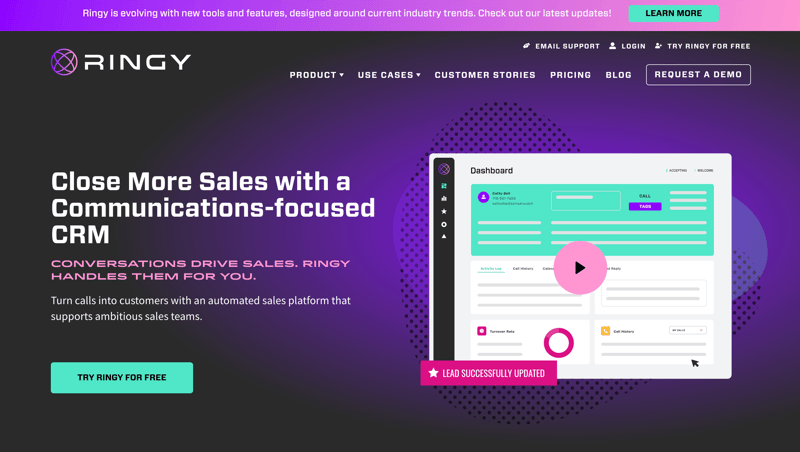
Ringy is a specialized CRM email management software designed for high-volume sales teams who can't afford to jump between six different apps to close a deal.
Our contact center email management software unifies email with SMS/MMS, VoIP, and local presence calling, ensuring that your email CRM strategy is backed by multi-channel outreach.
Unlike dated enterprise platforms, our marketing automation software focuses on a "speed-to-lead" philosophy through aggressive automation.
Best For
- Sales agencies that need to manage thousands of leads without paying a "per-user" penalty.
- Teams requiring integrated SMS and VoIP alongside their email campaign management software.
- Small business owners who need a "done-for-you" onboarding experience to get their CRM running in days, not months.
Honest Limitations
Ringy is built for proactive sales; if your primary need is a creative design suite for aesthetic newsletters (like Mailchimp), you'll find its email builder a bit utilitarian.
Additionally, while its reporting covers all the essentials for sales tracking, it lacks the deep, granular "big data" business intelligence modules found in $200/month enterprise tools like Salesforce.
When to Choose Ringy
Choose Ringy if your business relies on rapid follow-up and multi-channel communication to survive.
It's the best choice when you have more than three team members and want to avoid the exponential cost of per-seat software while gaining a reverse email search capability and automated drip sequences that work while you sleep.
Superhuman — Best for Speed and Efficiency
Overview
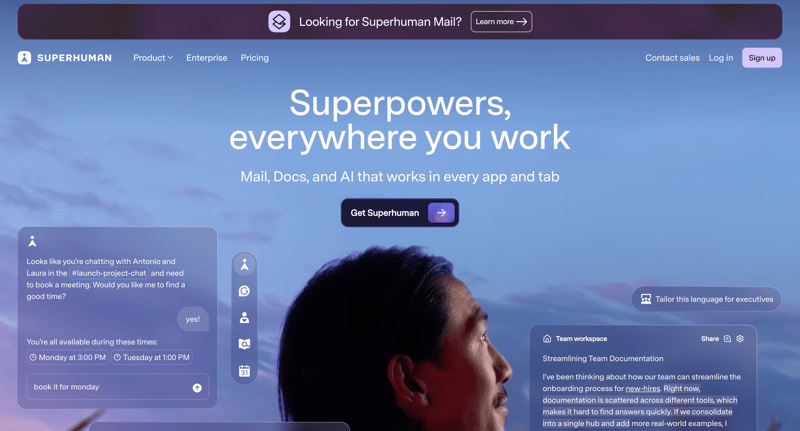
Superhuman positions itself as the fastest email experience in the world, claiming to save users three hours every week. It is a premium email inbox management software layer that sits on top of Gmail or Outlook, using proprietary AI to triage your most important messages and providing a "command-K" menu for keyboard-only navigation.
Best For
- Founders and executives who receive 200+ emails a day and need to hit "Inbox Zero" quickly.
- Gmail power users who want an elite, minimalist interface without the clutter of the standard Google UI.
Honest Limitations
The $30 per month price tag is strictly for the inbox interface; it does not include a CRM, a dialer, or marketing automation. It is a "luxury" productivity tool that focuses on individual speed rather than team-wide sales pipeline management.
When to Choose Superhuman
Choose Superhuman if you are a solo operator or a high-level executive where "time is money" and your current email client feels sluggish. It's perfect for those who prioritize a beautiful, distraction-free writing environment and have the budget for a premium specialized tool.
Front — Best for Team Collaboration
Overview
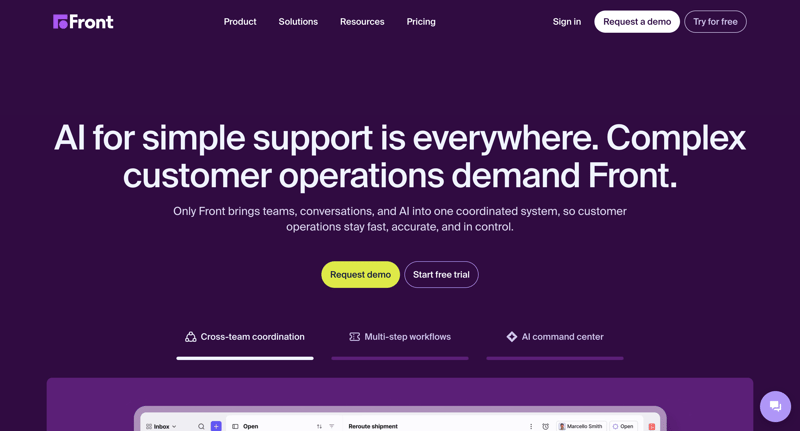
Front is the leader in customer service email management software for teams that handle shared addresses like support@ or sales@. It allows team members to comment internally on email threads (similar to a Slack thread) without the customer ever seeing the back-and-forth, effectively ending the era of the CC-chain.
Best For
- Logistics and professional service firms where multiple people need to collaborate on a single client request.
- Teams transitioning away from "blind CCs" and forwarded email chains.
Honest Limitations
Front can become incredibly expensive as you scale, with their most useful automation and integration features locked behind enterprise-tier pricing ($99+ per user). It also requires a significant cultural shift for the team to stop using personal inboxes for shared work.
When to Choose Front
Choose Front if your primary "pain point" is internal communication regarding external emails. If you find your team constantly asking, "Who replied to this client?", Front's transparency will solve that problem immediately.
HubSpot CRM — Best for All-in-One Growth
Overview
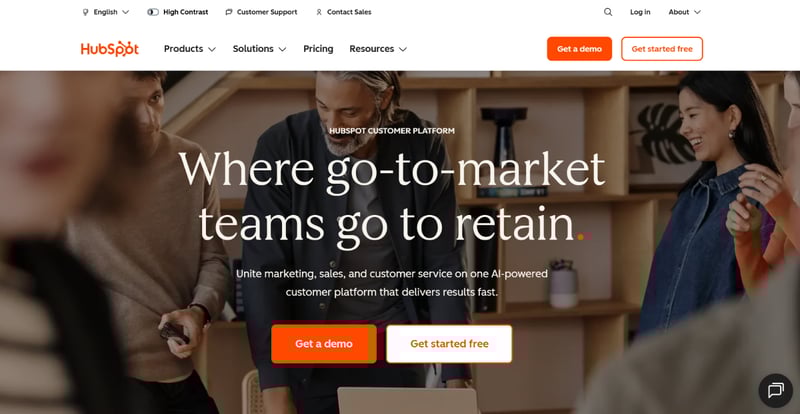
HubSpot is a massive email marketing management software and CRM ecosystem. It's designed to track the entire customer journey, from the first time someone visits your website to the final sales email and beyond.
Its "Marketing Hub" offers powerful automation, but it is deeply integrated into the core CRM.
Best For
- Mid-market companies that want their marketing, sales, and service teams on one platform.
- Businesses that rely heavily on email content management software for marketing and inbound lead generation.
Honest Limitations
While HubSpot has a generous "free" tier, the cost scales almost exponentially once you need advanced automation or have a large contact list. It can quickly become one of the most expensive items in your tech stack.
When to Choose HubSpot
Choose HubSpot if you have a dedicated "RevOps" or marketing person to manage the platform, and your budget allows for significant growth. If you are a small team looking for a simple dialer and email tool, Ringy is a much more cost-effective alternative.
SaneBox — Best for Inbox Organization
Overview
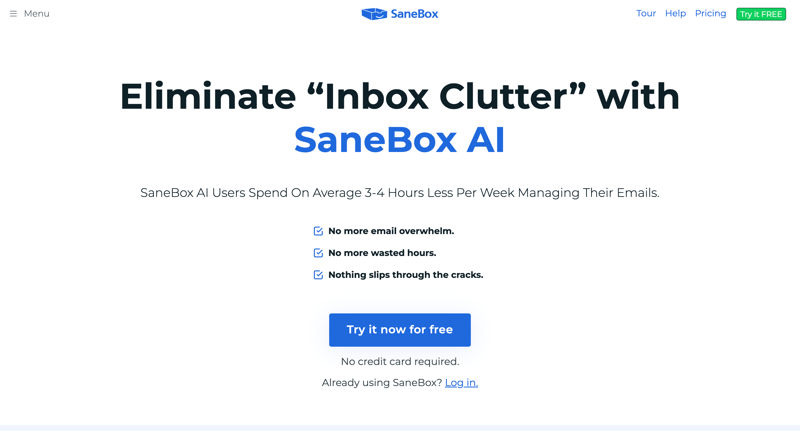
SaneBox is an ai driven email management software for teams and individuals that uses powerful algorithms to learn your email habits. It doesn't require you to switch apps; instead, it creates smart folders in your existing account (like @SaneLater) and moves non-urgent emails out of your sight automatically.
Best For
- Users who want to keep their current email client (Outlook, Gmail, Apple Mail) but need better filtering.
- People struggling with "newsletter bloat" and irrelevant CC-chain notifications.
Honest Limitations
SaneBox is an organizer, not a sender. It lacks the ability to create drip email campaign examples or manage a sales pipeline. It is strictly a "utility" tool for noise reduction.
When to Choose SaneBox
Choose SaneBox if you love your current email setup but hate the noise. It is the most cost-effective way to implement email response management software logic without the learning curve of a new platform.
Missive — Best for Collaborative Workflows
Overview
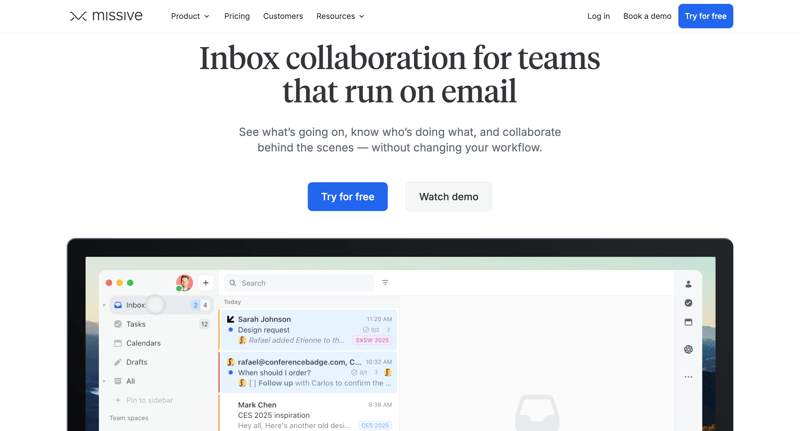
Missive combines email and document management software with a chat-like interface. It allows teams to co-write emails in real-time, much like a Google Doc, which is a game-changer for high-stakes negotiations or complex technical support replies.
Best For
- Law firms and creative agencies that require collaborative drafting and rigorous version control.
- Remote teams that need a unified "command center" for email, SMS, and WhatsApp.
Honest Limitations
The interface can feel a bit overwhelming for users who prefer a traditional, linear email look. There is a steep learning curve to mastering the chat-plus-email hybrid workflow compared to simpler tools like Ringy.
When to Choose Missive
Choose Missive if your team frequently collaborates on outgoing messages. It is an excellent multiple email management software for agencies that manage several brands or clients simultaneously and need to keep those conversations siloed but collaborative.
Mailbird — Best Desktop Email Client
Overview
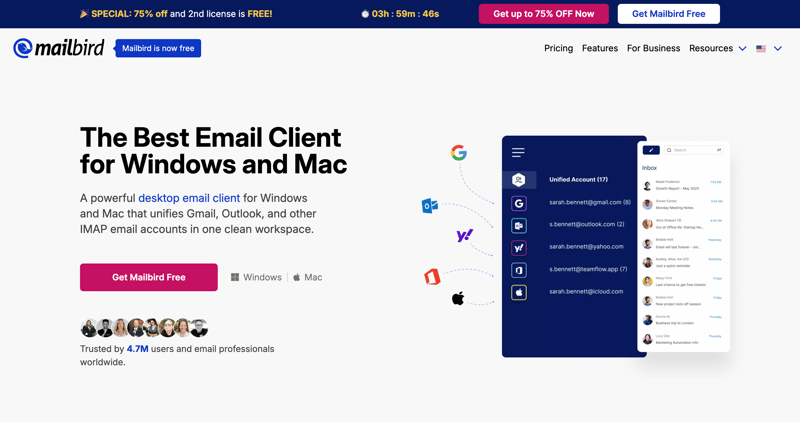
Mailbird is a top-tier Outlook email management software alternative for Windows users. It is a desktop client that unifies all your accounts and integrates apps like WhatsApp, Slack, and Google Calendar into one sidebar, creating a true "all-in-one" workstation.
Best For
- Windows-based professionals who prefer a dedicated desktop app over a browser tab.
- Users who want to see their task list and their inbox in a single, unified view.
Honest Limitations
There is no dedicated Mac or mobile app that matches the power of the Windows version, making it a poor choice for "on-the-go" sales professionals or Apple-centric offices.
When to Choose Mailbird
Choose Mailbird if you work primarily from a PC and are tired of having 20 browser tabs open for different communication tools. It's the best "productivity dashboard" for the desktop-bound worker.
Spark Mail — Best Smart Inbox Features
Overview
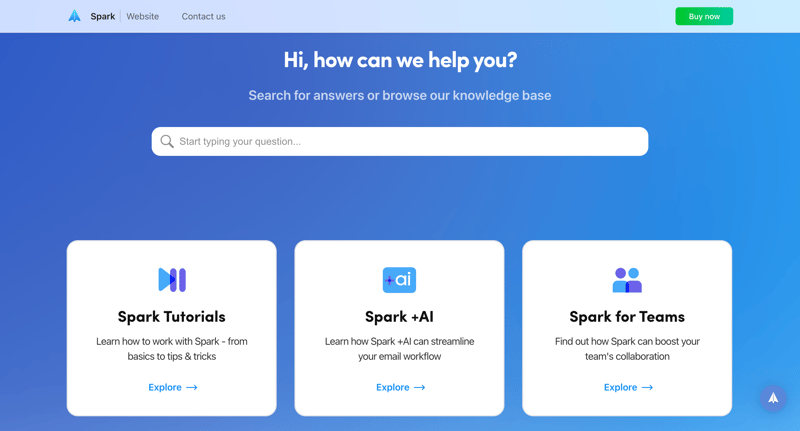
Spark is a "smart" client email management software that categorizes your incoming mail into Personal, Notifications, and Newsletters. Its standout feature is the "Gatekeeper," which allows you to block new senders before they ever hit your inbox.
Best For
- Small business owners who need an "AI assistant" to prioritize their day.
- Teams that want a free or low-cost collaborative inbox solution.
Honest Limitations
Some users have raised privacy concerns because Spark's server-side features (like push notifications and snoozing) require their servers to process your mail data. Its Windows app is also less mature than its macOS counterpart.
When to Choose Spark Mail
Choose Spark if you want a modern, "Apple-esque" design and features like "Send Later" and "Remind Me" without paying for a full-blown CRM.
Clean Email — Best for Decluttering Your Inbox
Overview
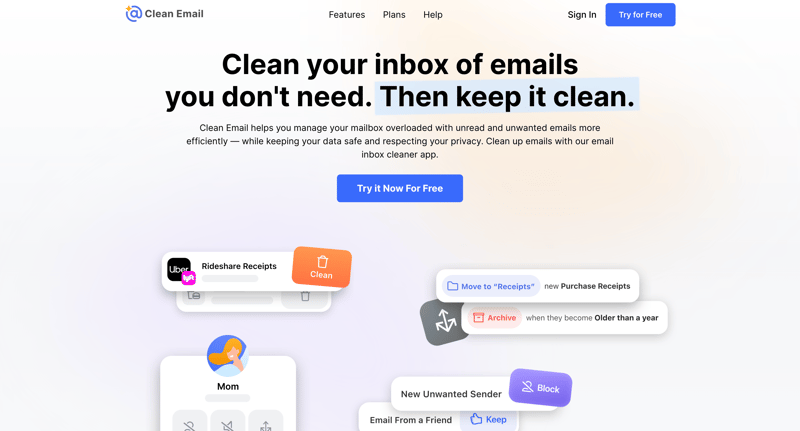
Clean Email is a specialized software for email management that focuses on mass-deletion and unsubscription. It groups similar emails together (e.g., all social media notifications) and allows you to "Auto Clean" them based on rules you set once.
Best For
- Users with thousands of unread emails who need a "fresh start."
- People looking for bulk email management software to purge old data for security or storage reasons.
Honest Limitations
It is purely a maintenance tool. It does not help you write better emails, track leads, or manage a team. It is a "one-off" or periodic tool rather than a daily communication hub.
When to Choose Clean Email
Choose Clean Email if your inbox is currently a "digital hoarding" situation. It's the digital equivalent of a professional organizer coming to your house to throw away the junk.
Hiver — Best for Gmail-Based Teams
Overview
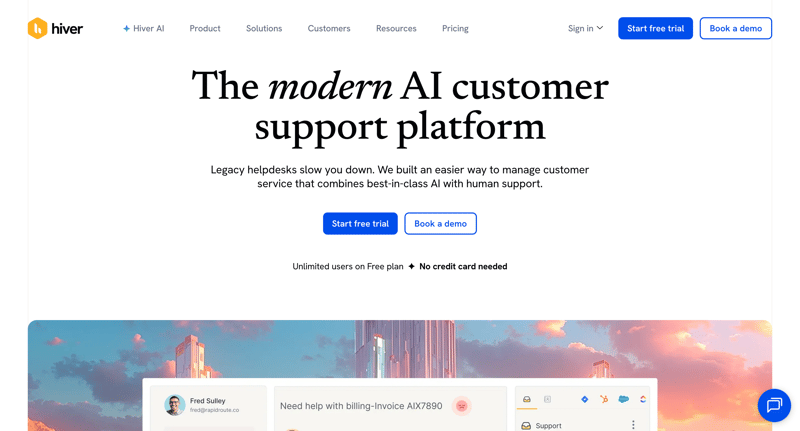
Hiver is a unique customer email management software for gmail because it lives entirely inside the Gmail interface. It adds "Shared Mailbox" functionality to your existing Google Workspace account, allowing you to assign emails as "tasks" to your team members.
Best For
- Teams that are "married" to the Gmail UI and don't want to learn a new app.
- Customer service teams that need a simple ticketing system built into their email.
Honest Limitations
Because it sits on top of Gmail, it is subject to Google's interface changes and limitations. It can also make the Gmail UI feel "heavy" and cluttered if you use too many of its features at once.
When to Choose Hiver
Choose Hiver if you have a "Google-only" policy and need to manage support or sales inquiries without leaving the tab you're already in.
Help Scout — Best for Customer Support Teams
Overview
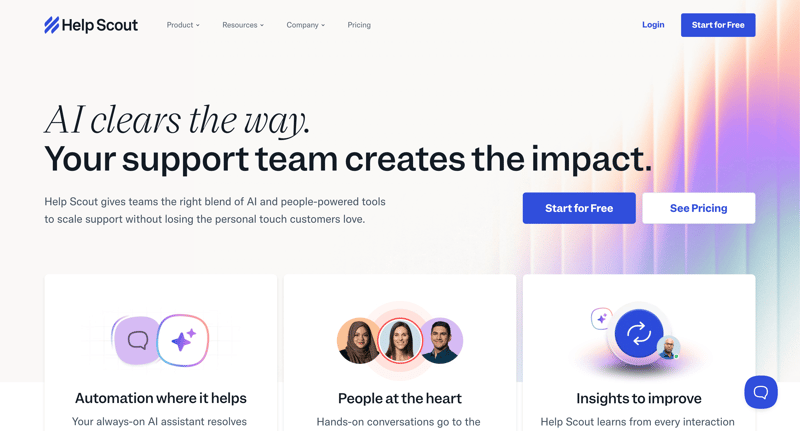
Help Scout is a professional email ticket management software that feels like a personal email to the customer. It strips away the "ticket numbers" and "robotic" automated replies typical of old-school support tools, focusing on a human-centric experience.
Best For
- SaaS companies and e-commerce brands that prioritize customer "delight" and high NPS scores.
- Support teams that need a built-in Knowledge Base (Docs) to reduce email volume.
Honest Limitations
It is not a sales tool. While it's excellent for general inquiries, it lacks the outbound dialer and CRM pipeline features that a growth-focused sales team needs to thrive in a competitive market.
When to Choose Help Scout
Choose Help Scout if your primary goal is "retaining" customers through world-class support. It's the gold standard for teams that want to look professional while staying personal.
Zendesk — Best for Enterprise Support Operations
Overview
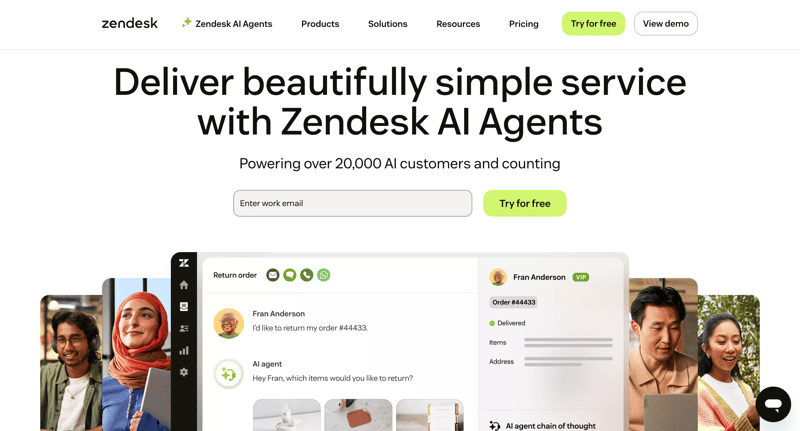
Zendesk is a massive enterprise and call center email management software platform used by global corporations. It offers incredibly deep AI-driven ticket routing, omni-channel support (phone, chat, social, email), and advanced analytics for large teams.
Best For
- Large organizations with 50+ support agents.
- Companies that need highly customized, complex automated workflows for their ticketing.
Honest Limitations
Zendesk is notorious for its steep learning curve and complex setup. For a small business, it's often "too much software," leading to features you pay for but never use. Account management can also feel impersonal.
When to Choose Zendesk
Choose Zendesk only if you have a dedicated RevOps or IT team to manage the implementation and you have outgrown mid-market tools like Help Scout.
How to Choose the Best Email Management Software

Selecting the right platform requires a deep dive into your actual daily workflow rather than just looking at a feature list. When you align your software choice with your specific business bottlenecks—whether that's response time, collaboration, or lead volume—you see an immediate impact on your bottom line. Here are the four pillars you must evaluate.
Automation Capabilities
In 2026, manual sorting is a relic of the past. The best email management software for small business must include AI-driven triage and "if-this-then-that" (IFTTT) logic. For example, if a lead mentions "pricing," the software should automatically tag it as a "High Priority Sales" lead and trigger an SMS follow-up via your CRM. Ringy's automation engine is specifically built for this level of responsiveness.
Collaboration Features
If you have a team, "isolation" is the enemy. Look for features like internal notes, shared drafts, and clear ownership markers. This prevents the embarrassing "double-reply" where two people answer the same client with different information. Enterprise email management software like Front or Hiver specializes in this transparency, ensuring the left hand always knows what the right hand is doing.
Integrations
Your email doesn't exist in a vacuum. It must talk to your calendar, your project management tool (like Trello or Asana), and your phone system. A CRM email management software that doesn't integrate with your VoIP system forces your team to do "double data entry," which is the fastest way to kill productivity and demoralize your sales staff.
Analytics and Tracking
You cannot manage what you do not measure. A professional suite should provide data on average response time, "busiest" hours of the day, and conversion rates.
For marketing-heavy teams, marketing automation data like open rates and click-through rates are non-negotiable for refining your messaging and maximizing your KPIs for email marketing.
Benefits of Using Email Management Software
The transition from a basic inbox to a managed system is often the turning point for a growing agency. It's the difference between "playing business" and running a scalable machine.
|
Feature |
Benefit |
|
Increased Productivity |
By automating the "boring" parts of email—sorting, filing, and basic replies—you free up your top talent to do what they do best: close deals and solve problems. |
|
Better Team Collaboration |
Shared inboxes and internal comments eliminate the need for endless internal CC-chains, keeping your internal communication clean and your external communication professional. |
|
Improved Inbox Organization |
Using ai driven email management software for teams ensures that your "must-read" emails are never buried under a mountain of LinkedIn notifications or industry newsletters. |
|
Stronger Customer Communication |
When you have a full history of a customer's interactions across email, SMS, and phone (as provided by Ringy), your conversations are more informed, personal, and effective. |
Frequently Asked Questions

What Is Email Management Software?
Email management software is a specialized category of productivity tools designed to help individuals and teams organize, automate, and streamline their electronic communications.
Unlike a standard email provider (like Gmail), these tools offer advanced features such as AI-driven triage, shared team inboxes, internal collaboration threads, and deep integration with CRM systems to turn the inbox into a functional workspace.
How Do You Measure the ROI of Email Management Tools?
The ROI is typically measured through two metrics: time saved and revenue gained. You calculate time saved by tracking the reduction in "minutes per email" for your team. Revenue gained is tracked by monitoring "lead response time"; businesses that respond to a lead within five minutes are 100x more likely to connect than those that wait thirty minutes.
Can Small Businesses Use Enterprise-Grade Email Software?
Yes, but they shouldn't always. While tools like Salesforce or Zendesk are powerful, they often require a dedicated administrator and a large budget. Small businesses are better served by "all-in-one" tools like Ringy, which provide email management software for customer service and sales without the "enterprise" price tag or complexity.
Is AI Email Management Safe for Sensitive Data?
Most modern providers use SOC 2 Type II compliance and end-to-end encryption. However, for a law firm email management software or medical practice, it is crucial to verify that the software meets specific industry regulations (like HIPAA).
Always check the "Security" page of any email management software for lawyers provider before syncing your data.
What Is the Difference Between an Email Client and an Email Provider?
An email provider (like Google or Outlook.com) is the service that hosts your email address and stores your messages. An email client (like Mailbird or Spark) is the software you use to view and manage those messages. Most management software acts as a client that connects to your existing provider to add advanced functionality.
Does Email Management Software Work with Outlook?
Yes, the vast majority of Outlook email management software connects via IMAP or native API. Tools like Ringy, SaneBox, and Mailbird are specifically optimized to work with Microsoft's ecosystem, often adding features (like snoozing or AI triage) that the standard Outlook client lacks.
How Many Emails Can I Manage with These Tools?
Most professional tools can handle hundreds of thousands of messages without slowing down. For high-volume users, tools like bulk email management software (Clean Email) or AI email management software (Superhuman) are necessary to prevent the interface from becoming unusable due to "inbox bloat."
Email Management Software: Take Control of Your Communication

Stop letting your inbox dictate your day and start using a system that works for you.
If you're tired of paying per-seat fees and jumping between a dialer, a CRM, and an inbox, it's time to look at a unified solution.
Ringy was built to solve exactly this problem for sales-heavy teams.
Request a demo and discover what you've been missing out on.

Skyrocket your sales with the CRM that does it all.
Calling? Check. SMS? Check. Automation and AI? Check. Effortlessly keep in touch with your customers and boost your revenue without limits.

Related Articles